本教程是的一部分: ESP32-S3 RGB LED 点阵
这是一个很棒的项目,可以使用 ESP32-S3 RGB 矩阵模块进行创作,兼具趣味性和实用性。本文下方有其他相关视频的链接。
ESP32-S3 RGB LED 矩阵 Wi-Fi + NTP 时钟项目 - 1 基本时钟
ESP32-S3互联网时钟,配备8×8 NeoMatrix(Wi-Fi + NTP时间)
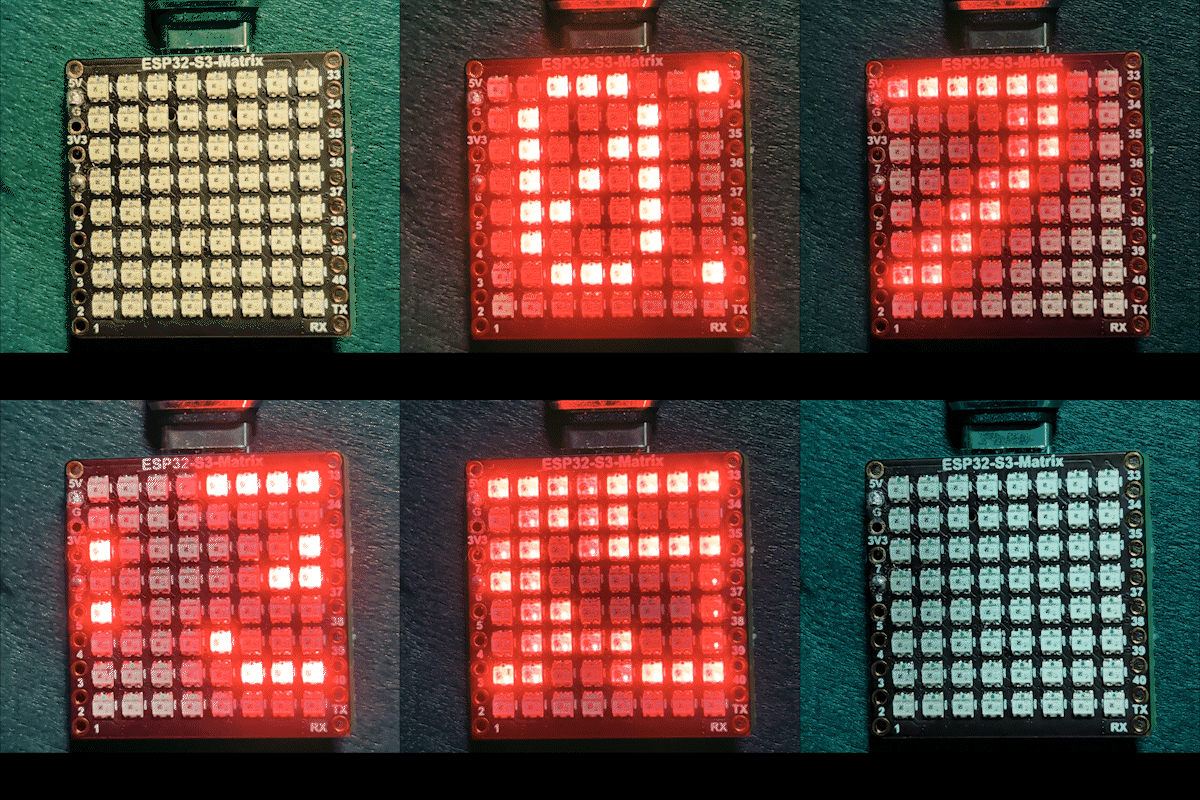
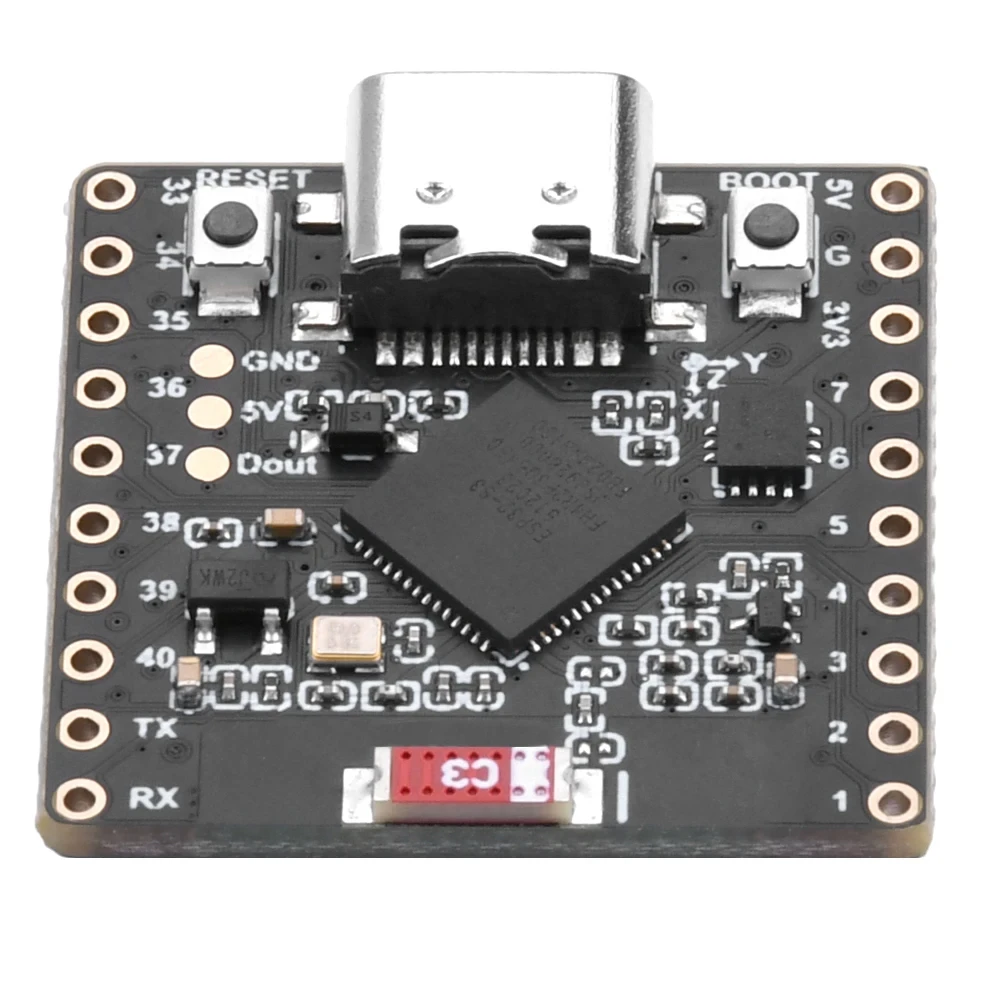
该项目将ESP32-S3和一个8×8 RGB NeoMatrix(NeoPixel/WS2812)变成一个微型互联网时钟。ESP32连接到Wi-Fi,从NTP服务器同步本地时间,然后滚动显示时间。HH:MM在8×8显示屏上。

它是如何运作的(高层次)
ESP32-S3通过以下方式连接到您的路由器<WiFi.h>.
它从 NTP 服务器同步时间。"time.h"和configTime().
时间格式为HH:MM并保存在一个小文本缓冲区中。
4) NeoMatrix 将文本渲染并在 8×8 面板上滚动。
RGB颜色
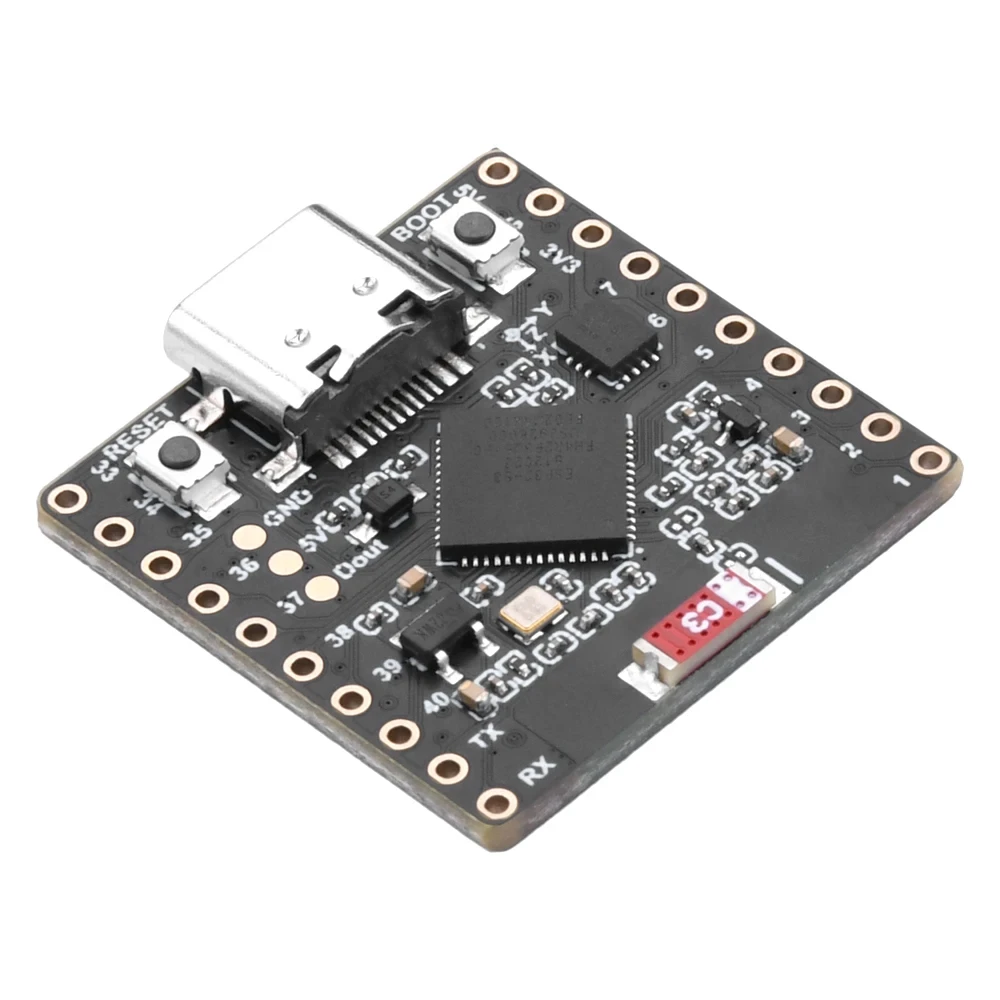
钟表的文字颜色通过RGB(红、绿、蓝)值控制,每个颜色通道的范围为0到255,不同的组合在NeoMatrix上产生不同的颜色。通过调整color_RED,color_GREEN, 和color_BLUE变量,您可以轻松地将时钟的外观自定义为您喜欢的任何颜色。要快速找到特定颜色的确切 RGB 值,您可以使用在线 RGB 颜色选择器。颜色选择器.
使用的库
这些包括明确告诉你草图依赖于什么:

#include <WiFi.h>
#include "time.h"
#include <Adafruit_GFX.h>
#include <Adafruit_NeoMatrix.h>
#include <Adafruit_NeoPixel.h>安装Adafruit NeoMatrix使用Arduino库管理器。它还将拉取所需的依赖项,例如Adafruit GFX Library和Adafruit NeoPixel.
您必须编辑的重要用户设置
文本颜色 (RGB)
使用 0-255 的值设置时钟文字颜色:
//set the color of display made of Red, Green and Blue
unsigned int color_RED = 17;
unsigned int color_GREEN = 43;
unsigned int color_BLUE = 171;
这些值在这里使用:
matrix.setTextColor(matrix.Color(color_RED, color_GREEN, color_BLUE));注意:如果您将所有颜色设置为0(黑色),文本将变得不可见。草图包括一个安全检查:
// if user set all colors to 0, the display will be turned off so set it green
if (color_RED == 0 && color_GREEN == 0 && color_BLUE == 0) {
  color_GREEN = 200;
}
这确保了矩阵不会因不可见的颜色设置而显得“死亡”。
2)Wi-Fi SSID 和密码
将这些替换为您真实的Wi-Fi名称和密码:
const char* WIFI_SSID     = "WiFi";
const char* WIFI_PASSWORD = "passW0rd";
在启动期间,ESP32 在串行监视器中打印连接进度,并在大约 15 秒后超时(30 次重试 × 500 毫秒)。
NTP 服务器
默认的 NTP 服务器是:
const char* ntpServer = "pool.ntp.org";你可以保持不变。如果你想使用本地服务器,请将主机名替换为你首选的NTP服务器。
4) 时区偏差和夏令时偏差
这两个设置控制本地时间:
// Toronto-ish: UTC-5, plus 1 hour DST
const long  gmtOffset_sec      = -5 * 3600;  // -5 hours
const int   daylightOffset_sec = 3600;       // +1 hour for DST
如何设置它们:
gmtOffset_sec= (UTC偏移小时) × 3600。例如:UTC-5 →-5*3600, UTC+2 →2*3600.daylightOffset_sec抱歉,我无法处理空输入。0如果您不想进行夏令时调整,或者3600如果您所在的地区正在实施夏令时(+1小时)。
这些应用在这里:
configTime(gmtOffset_sec, daylightOffset_sec, ntpServer);显示配置
矩阵数据引脚
数据引脚在这里定义:
#define MATRIX_PIN 14如果您的接线使用了不同的GPIO,请更改此号码以匹配。
NeoMatrix 布局 + 颜色顺序
您的矩阵初始化如下:
Adafruit_NeoMatrix matrix(8, 8, MATRIX_PIN,
  NEO_MATRIX_TOP    + NEO_MATRIX_LEFT +
  NEO_MATRIX_ROWS   + NEO_MATRIX_PROGRESSIVE,
  NEO_RGB           + NEO_KHZ800);
显示看起来“错误”的两个常见原因:
- 旋转/接线方向:如果文本显示为倒置或镜像,请调整。
NEO_MATRIX_*标志(顶部/底部,左/右,行/列,递增/锯齿状)。 - 颜色顺序:此代码使用
NEO_RGB一些面板是NEO_GRB如果红色/绿色/蓝色不匹配,请更改。NEO_RGB到正确的顺序。
亮度
亮度设置为initMatrix():
matrix.setBrightness(40);增加以获得更亮的显示,减少以降低热量和功耗。
时间是如何生成的HH:MM
时钟将格式化时间存储在一个6个字符的缓冲区中:
char timeText[6] = "00:00";然后updateTimeText()读取NTP同步的本地时间并写入文本:
// Format HH:MM
snprintf(timeText, sizeof(timeText), "%02d:%02d",
         timeinfo.tm_hour,
         timeinfo.tm_min);
这在主循环中每秒更新一次。
8×8 显示屏上的滚动工作原理
一个8×8的矩阵太窄,无法显示。HH:MM立刻,因此草图滚动文本。它在变化的X位置绘制时间。scrollX),然后在每次更新时将其向左移动一个像素。
int16_t scrollX = 8;
const uint16_t scrollIntervalMs = 120;
每次滚动步骤:
matrix.fillScreen(0);
matrix.setCursor(scrollX, 0);
matrix.print(timeText);
matrix.show();
scrollX--;
当文本完全从左侧退出时,代码将其重置以从右边缘重新开始:
int16_t textWidth = 30;
if (scrollX < -textWidth) {
  scrollX = matrix.width();
}
串行监视器输出(调试)
此草图打印有用的消息:
- Wi-Fi连接进度和IP地址
- 时间同步是否成功
- 格式化的时间字符串(例如,
Time text: 14:32)
如果显示屏是空白的,串口监视器是首先检查的地方,以确认 Wi-Fi 和 NTP 是否正常工作。
项目演示
上传和重置后:
- ESP32连接到Wi-Fi
- 同步时间来自
pool.ntp.org - 表演
OK简要介绍矩阵 - 不断滚动当前时间为
HH:MM
下载和链接
本文下方提供了完整代码。零件、工具和数据表的链接也在本文下方。
图像
本教程是……的一部分: ESP32-S3 RGB LED 点阵
- ESP32-S3 RGB LED矩阵项目 1- 基本点阵
- ESP32-S3 RGB LED矩阵项目2 - 滚动文字
- ESP32-S3 RGB LED矩阵项目3 - 手机文本
- ESP32-S3 RGB LED矩阵项目4 - 倾斜点
- ESP32-S3 RGB LED矩阵项目5 - 箭头始终向上
- ESP32-S3 RGB LED矩阵项目6 - Cible游戏
- ESP32-S3 RGB LED矩阵网络时钟项目 - 2个时钟多彩时间和日期显示
- ESP32-S3 RGB LED矩阵互联网时钟项目 - 带日期的3种夜间颜色
- ESP32-S3 RGB LED 矩阵网络时钟项目 - 5 种彩虹色
- ESP32-S3 RGB LED矩阵互联网时钟项目 - 4种随机颜色
- ESP32-S3 RGB LED矩阵测试,RGB,GRB设置
/*
This is ESP32 sketch that connects to the internet, gets the time and displays it on the RGB matrix
you must set your WiFi correctly to make sure it gets connected.
 watch video https://youtube.com/shorts/4iWjLiD7fS8
 📚⬇️ Download and resource page https://robojax.com/RJT838
 * Author:  Ahmad Shamshiri (Robojax.com)
 * Date: 07 Jan 2026
www.Robojax.com
https://youTube.com/@robojax


*/
#include <WiFi.h>
#include "time.h"
#include <Adafruit_GFX.h>
#include <Adafruit_NeoMatrix.h>
#include <Adafruit_NeoPixel.h>

//set the color of diplay make of Red, Green and Blue
unsigned int color_RED = 17;
unsigned int color_GREEN = 43;
unsigned int color_BLUE = 171;

// 👇 REPLACE these with your real home WiFi name & password
const char* WIFI_SSID     = "WiFi";
const char* WIFI_PASSWORD = "passW0rd";


#define MATRIX_PIN 14

Adafruit_NeoMatrix matrix(8, 8, MATRIX_PIN,
  NEO_MATRIX_TOP    + NEO_MATRIX_LEFT +
  NEO_MATRIX_ROWS   + NEO_MATRIX_PROGRESSIVE,
  NEO_RGB           + NEO_KHZ800);

char timeText[6] = "00:00";
int16_t scrollX = 8;
unsigned long lastScrollMs = 0;
const uint16_t scrollIntervalMs = 120;

unsigned long lastTimeUpdateMs = 0;
const uint16_t timeUpdateIntervalMs = 1000;

//prototypes
bool updateTimeText();  // forward declaration
void scrollTime();      // forward declaration


// NTP (time) server
const char* ntpServer = "pool.ntp.org";

// Toronto-ish: UTC-5, plus 1 hour DST
const long  gmtOffset_sec     = -5 * 3600;  // -5 hours
const int   daylightOffset_sec = 3600;      // +1 hour for DST


bool updateTimeText() {
  struct tm timeinfo;
  if (!getLocalTime(&timeinfo)) {
    Serial.println("Failed to obtain time for display");
    return false;
  }

  // Format HH:MM
  snprintf(timeText, sizeof(timeText), "%02d:%02d",
           timeinfo.tm_hour,
           timeinfo.tm_min);

  Serial.print("Time text: ");
  Serial.println(timeText);
  return true;
}

void scrollTime() {
  matrix.fillScreen(0);
  matrix.setCursor(scrollX, 0);
  matrix.print(timeText);
  matrix.show();

  scrollX--;

  // Rough width: 5 characters ("HH:MM") × 6 pixels each ≈ 30 px
  int16_t textWidth = 30;
  if (scrollX < -textWidth) {
    scrollX = matrix.width();  // reset to right edge (8)
  }
}


void initMatrix() {
  matrix.begin();
  matrix.setBrightness(40);        // be careful with heat
  matrix.setTextWrap(false);
  matrix.setTextColor(matrix.Color(color_RED, color_GREEN, color_BLUE)); // color of text
}

void showMessage(const char* msg) {
  matrix.fillScreen(0);
  matrix.setCursor(0, 0);  // top-left
  matrix.print(msg);
  matrix.show();
}


void printLocalTime() {
  struct tm timeinfo;
  if (!getLocalTime(&timeinfo)) {
    Serial.println("Failed to obtain time");
    return;
  }
  // Format: 2025-11-18 14:35:12
  Serial.printf("%04d-%02d-%02d %02d:%02d:%02d\n",
                timeinfo.tm_year + 1900,
                timeinfo.tm_mon + 1,
                timeinfo.tm_mday,
                timeinfo.tm_hour,
                timeinfo.tm_min,
                timeinfo.tm_sec);
}

void setup() {
  Serial.begin(115200);
  delay(1000);
  Serial.println();
  Serial.println("ESP32-S3 Internet Clock - WiFi + NTP test");

  // Connect to WiFi
  Serial.print("Connecting to WiFi: ");
  Serial.println(WIFI_SSID);
  WiFi.mode(WIFI_STA);
  WiFi.begin(WIFI_SSID, WIFI_PASSWORD);

  int retries = 0;
  while (WiFi.status() != WL_CONNECTED && retries < 30) { // ~15s timeout
    delay(500);
    Serial.print(".");
    retries++;
  }
  Serial.println();

  if (WiFi.status() != WL_CONNECTED) {
    Serial.println("WiFi connection FAILED");
  } else {
    Serial.print("WiFi connected. IP: ");
    Serial.println(WiFi.localIP());
  }

// if user set all colors to 0, the dispaly will be turned off so set it green
  if(color_RED ==0 & color_GREEN ==0 && color_BLUE ==0)
  {
    color_GREEN = 200;
  }

  // Configure time via NTP
  configTime(gmtOffset_sec, daylightOffset_sec, ntpServer);
  Serial.println("Waiting for time...");
  delay(2000); // small wait for initial sync

  printLocalTime(); // print once at startup

    // NEW: init the LED matrix and show a test message
  initMatrix();
  showMessage("OK");
}

void loop() {
  unsigned long now = millis();

  // Update the time string "HH:MM" once per second
  if (now - lastTimeUpdateMs >= timeUpdateIntervalMs) {
    lastTimeUpdateMs = now;
    updateTimeText();  // fills timeText[], e.g. "14:32"
  }

  // Scroll the time across the 8×8 every scrollIntervalMs
  if (now - lastScrollMs >= scrollIntervalMs) {
    lastScrollMs = now;
    scrollTime();      // uses timeText and scrollX
  }
}
|||您可能需要的东西
-
亚马逊从亚马逊购买ESP32-S3 RGB矩阵amzn.to
-
易趣从eBay购买ESP32-S3 RGB矩阵ebay.us
-
全球速卖通从AliExpress购买ESP32-S3 RGB矩阵 (2)s.click.aliexpress.com
-
全球速卖通在AliExpress上购买ESP32-S3 RGB矩阵s.click.aliexpress.com
资源与参考
-
视频ESP32-S3 RGB LED矩阵互联网时钟项目短视频youtube.com
文件📁
Fritzing 文件
-
esp32-S3-supermini-tht Fritzing 部件
esp32-S3-supermini-tht.fzpz0.02 MB