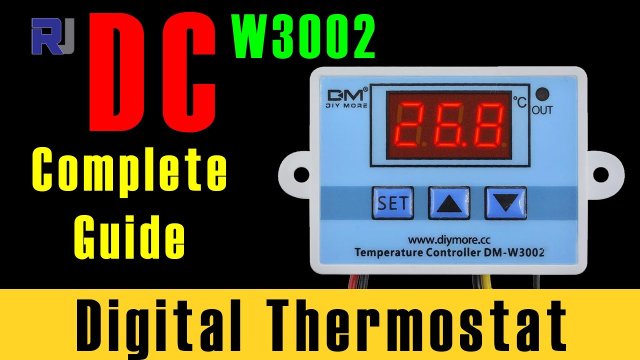
How to use DM-W3002 W3002 DC temperature control
In this tutorial, we will explore the DM-W3002 temperature controller, a versatile device that can be used for controlling DC loads, such as heaters or coolers, based on temperature readings. This device can be set to maintain specific temperature ranges, providing a reliable solution for various temperature management applications. The DM-W3002 is available in both 12V and 24V versions, making it adaptable to different setups.
The DM-W3002 operates using a temperature sensor and a relay to control the connected load. Users can easily set the desired temperature thresholds and adjust settings such as time delays and tolerance corrections. The functionality is straightforward, allowing for simple adjustments to meet specific heating or cooling needs.
Hardware Explained
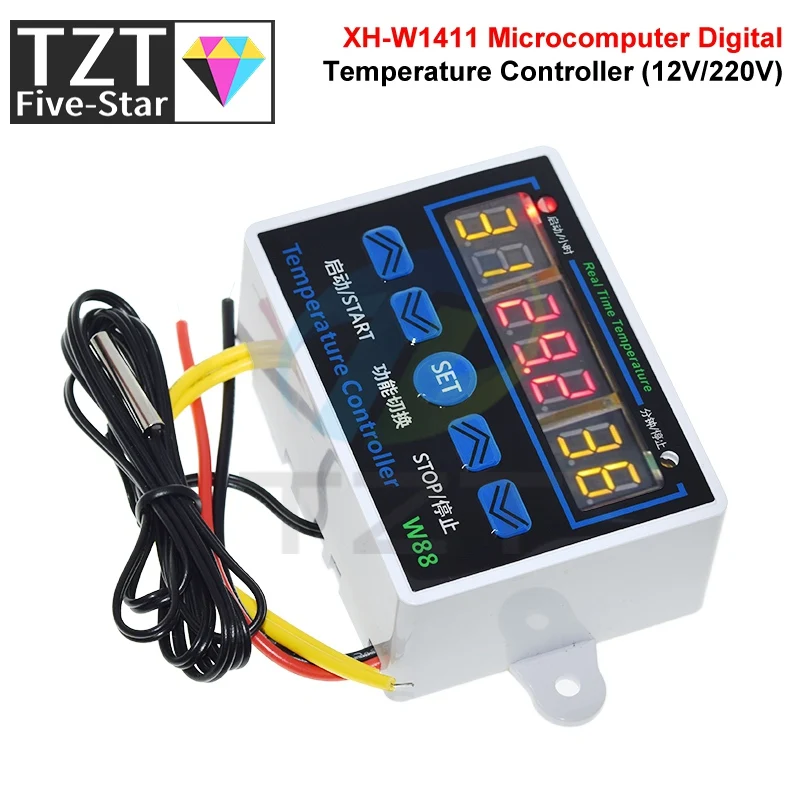
The DM-W3002 is primarily composed of a temperature sensor, a relay, and a user interface with buttons for settings. The temperature sensor, typically an NTC thermistor, measures the ambient temperature and feeds this data to the controller. The relay acts as a switch that turns the connected load (like a heater or cooler) on or off based on the temperature readings and user-defined limits.
Each of the three buttons on the device allows users to navigate through settings and adjust parameters such as start and stop temperatures, tolerance corrections, and time delays. This makes the DM-W3002 a flexible tool for maintaining desired temperature levels in various applications.
Datasheet Details
| Manufacturer | DM |
|---|---|
| Part number | W3002 |
| Logic/IO voltage | 12–24 V |
| Supply voltage | 12–24 V |
| Output current (per channel) | 5 A |
| Peak current (per channel) | 10 A |
| PWM frequency guidance | N/A |
| Input logic thresholds | Low: 0-2 V; High: 3-24 V |
| Voltage drop / RDS(on) / saturation | 1 V |
| Thermal limits | Operating temperature: -10 to 60 °C |
| Package | Module |
| Notes / variants | Available in 12V and 24V versions |
- Ensure proper power supply specifications to avoid device damage.
- Consider heat-sinking for high-load applications to dissipate excess heat.
- Use decoupling capacitors to filter power supply noise.
- Be cautious with wiring to prevent reversed polarity.
- Confirm that the relay can handle the load current.
- Set appropriate time delays for heating/cooling operations.
- Adjust tolerance settings carefully to maintain accurate temperature readings.
- Monitor for floating inputs which may cause erratic behavior.
Wiring Instructions
To wire the DM-W3002, start by connecting the power supply to the module. Attach the positive lead of your 12V or 24V power supply to the red terminal marked as positive and the negative lead to the black terminal marked as negative. Ensure that the power supply can handle the current requirements of your load.
Next, connect the load to the output terminals. The positive output should be connected to the device you wish to control (like a heater or cooler), while the negative output connects back to the power supply. The temperature sensor should be connected to the designated sensor input terminals on the module. Refer to the device labels to ensure correct connections. If your setup requires any alternative wiring, be sure to check the video for additional notes on wiring differences (in video at mm:ss).
Video Timestamps
- 00:00 Introduction
- 01:30 Overview of DM-W3002
- 03:15 Wiring Instructions
- 05:45 Setting Temperature Parameters
- 08:00 Demonstration of Heating and Cooling
Images
Things you might need
-
Amazon
-
AliExpress
-
BanggoodPurchase W3002 Digital Thermosta from Banggoodbanggood.com
Resources & references
No resources yet.
Files📁
No files available.