Ce tutoriel fait partie de: Matrice LED RGB ESP32-S3
Projet amusant et pratique à réaliser avec le module matrice RGB ESP32-S3. Vous trouverez des liens vers d'autres vidéos ci-dessous.
Test de matrice LED RGB ESP32-S3 pour réglage RGB, GRB
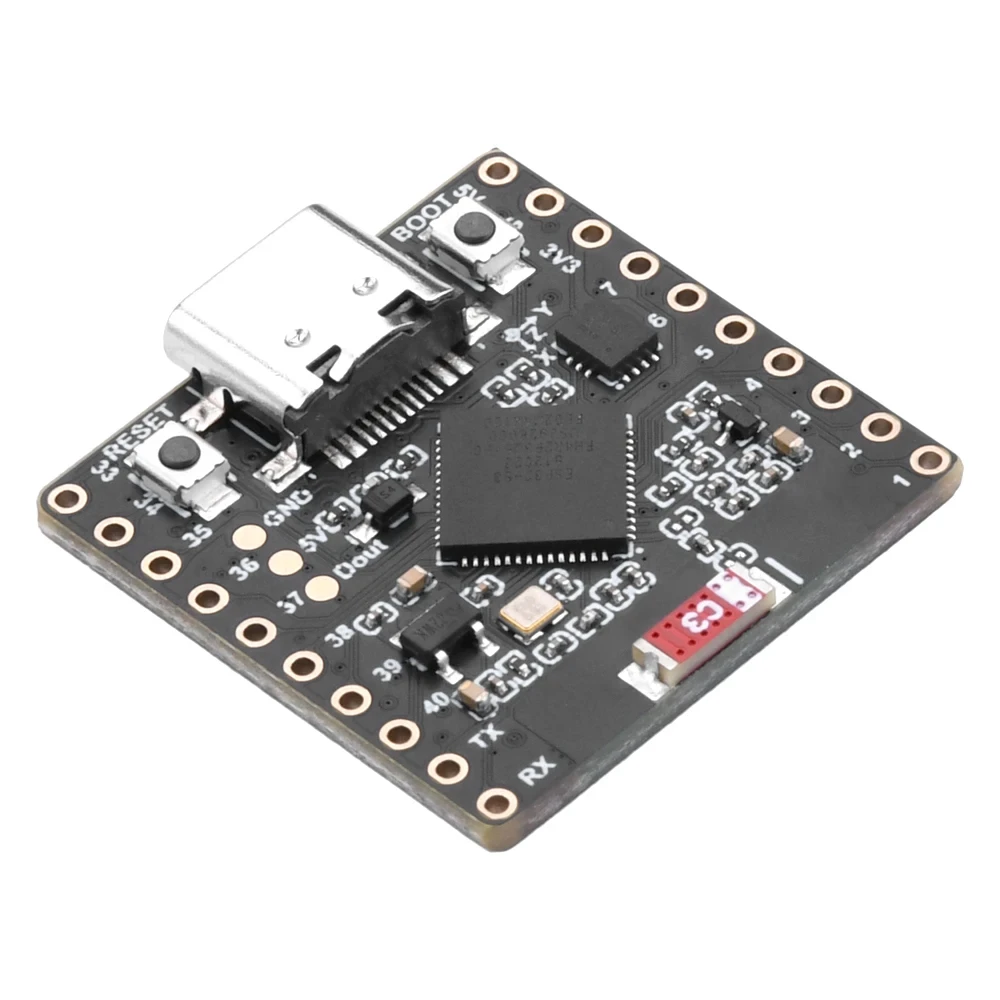

Images
ESP32 S3 Matrix
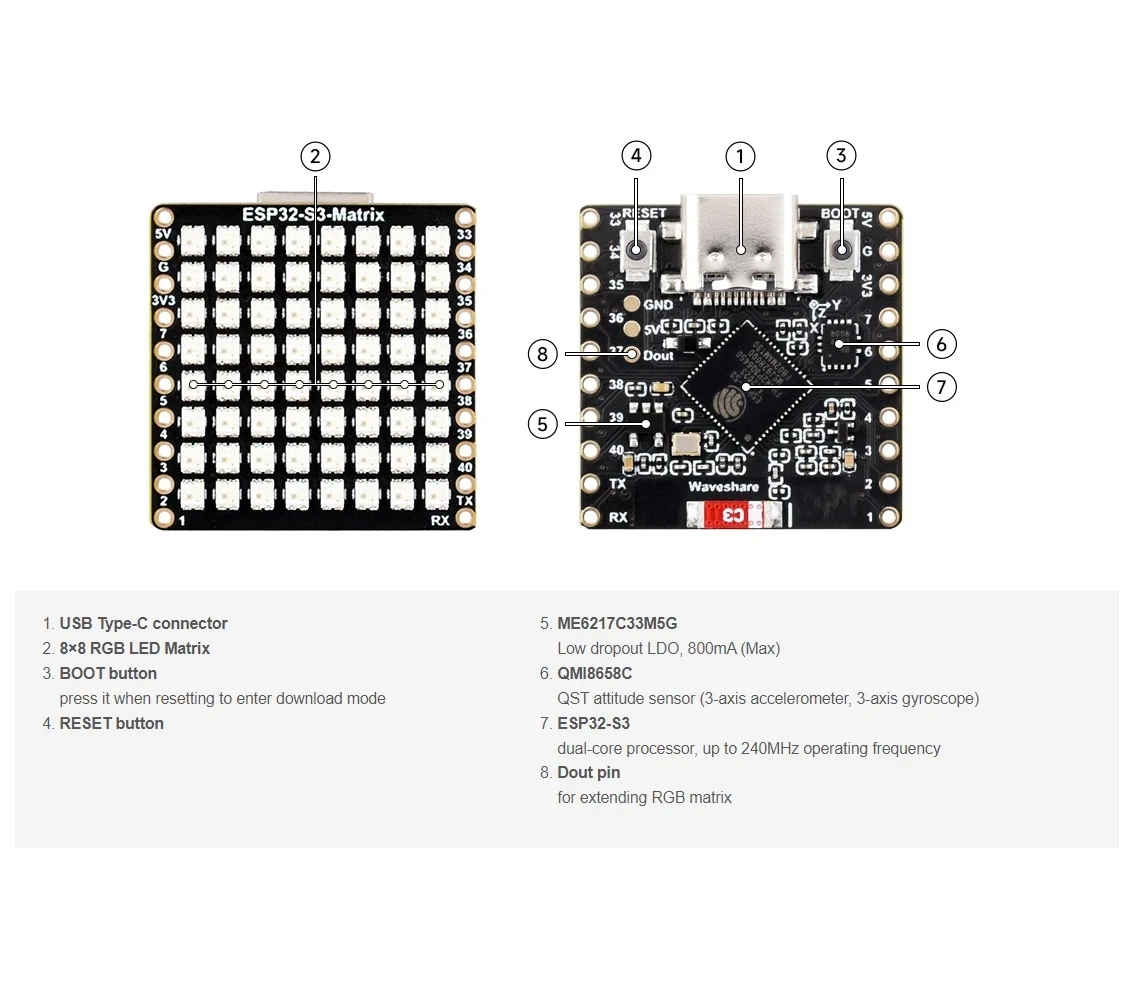
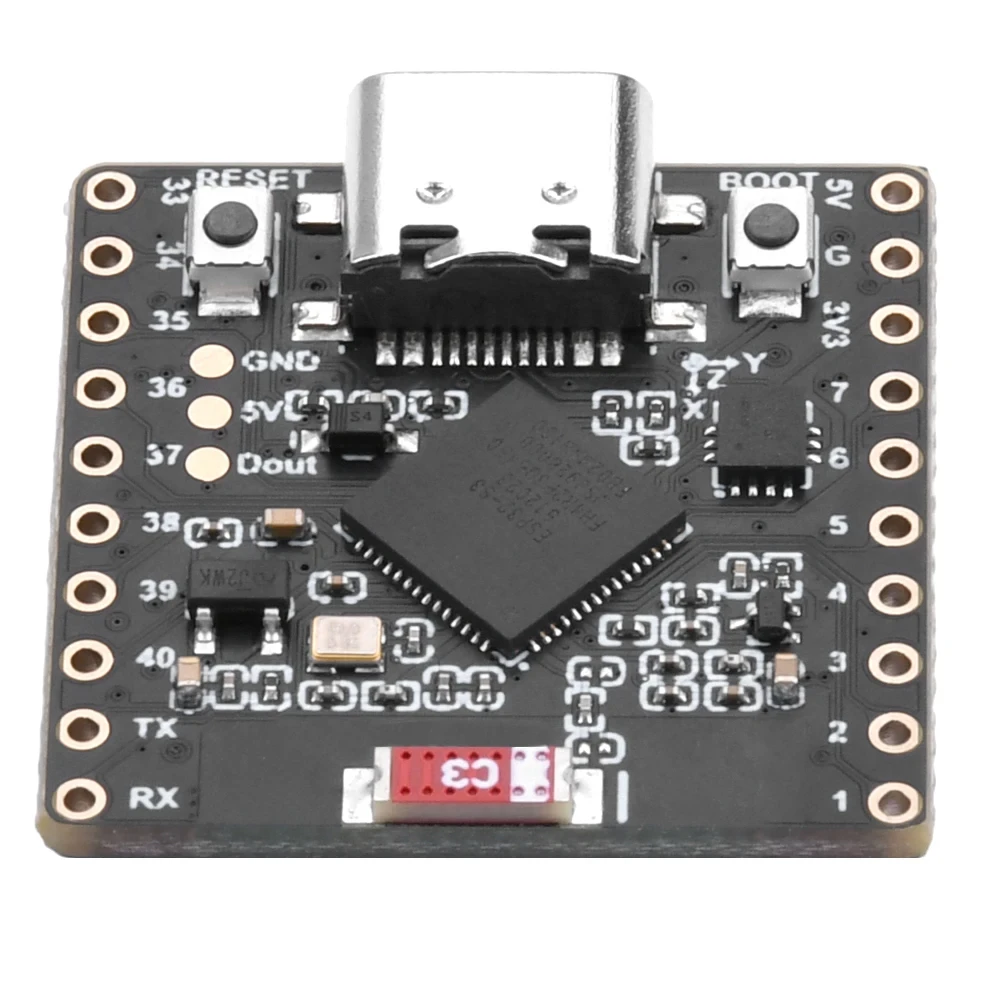
ESP32 S3 Matrix pin out
ESP32-S3_RGB_8x8_matrix-3
ESP32-S3_RGB_8x8_matrix1

ESP32-S3_RGB_8x8_matrix-2
Ce tutoriel fait partie de: Matrice LED RGB ESP32-S3
- Projets de Matrice LED RGB ESP32-S3 (Jeu d'Inclinaison, Texte, Flèche, Démo WiFi)
- Projet 2 de matrice LED RGB ESP32-S3 - Texte défilant
- Projet de matrice LED RGB ESP32-S3 3 - Texte provenant du téléphone mobile
- Projet de matrice LED RGB ESP32-S3 4 - Point incliné
- Projet de matrice LED RGB ESP32-S3 5 - Flèche toujours vers le haut
- Projet de matrice LED RGB ESP32-S3 6 - Jeu cible
- Projet d'horloge de base ESP32-S3 Matrice LED RGB Wi-Fi + Horloge NTP - 1
- Projet d'Horloge Internet avec Matrice LED RGB ESP32-S3 - Affichage de l'heure et de la date en multi-couleurs
- Projet d'horloge Internet avec matrice LED RGB ESP32-S3 - 3 couleurs de nuit avec date
- Projet d'horloge Internet avec matrice LED RGB ESP32-S3 - 5 couleurs arc-en-ciel
- Projet d'horloge Internet avec matrice LED RVB ESP32-S3 - 4 couleurs aléatoires
871-ESP32-S3 RGB LED Matrix test for RGB, GRB setting
Langue: C++
/*
 * =====================================================================================
 * 8x8 RGB MATRIX - COLOR ORDER TESTER
 📚⬇️ Download and resource page https://robojax.com/RJT841
 Full youTube video: https://youtu.be/XEZLyznWmYM
 * =====================================================================================
 * This script helps you verify if your matrix matches the 'NEO_RGB' setting.
 * - Displays 'R' in Red
 * - Displays 'G' in Green
 * - Displays 'B' in Blue
 * * If 'R' shows up as Green or Blue, you need to change the configuration line:
 * e.g., NEO_GRB + NEO_KHZ800  OR  NEO_RGB + NEO_KHZ800
 * =====================================================================================
 */

#include <Adafruit_GFX.h>
#include <Adafruit_NeoMatrix.h>
#include <Adafruit_NeoPixel.h>

#define MATRIX_PIN 14

// --- USER SETTINGS ---
const int TEST_DELAY = 2000;      // Time in milliseconds between colors
const int TEST_BRIGHTNESS = 30;   // Set brightness (0 to 255)

// Define the matrix - change NEO_RGB to NEO_GRB if colors are swapped
Adafruit_NeoMatrix matrix(8, 8, MATRIX_PIN,
  NEO_MATRIX_TOP    + NEO_MATRIX_LEFT +
  NEO_MATRIX_ROWS   + NEO_MATRIX_PROGRESSIVE,
  NEO_RGB           + NEO_KHZ800);

void setup() {
  matrix.begin();
  matrix.setTextWrap(false);
  matrix.setBrightness(TEST_BRIGHTNESS);
}

void loop() {
  // 1. TEST RED
  matrix.fillScreen(0);
  matrix.setTextColor(matrix.Color(255, 0, 0)); // Red
  matrix.setCursor(1, 0);
  matrix.print("R");
  matrix.show();
  delay(TEST_DELAY);

  // 2. TEST GREEN
  matrix.fillScreen(0);
  matrix.setTextColor(matrix.Color(0, 255, 0)); // Green
  matrix.setCursor(1, 0);
  matrix.print("G");
  matrix.show();
  delay(TEST_DELAY);

  // 3. TEST BLUE
  matrix.fillScreen(0);
  matrix.setTextColor(matrix.Color(0, 0, 255)); // Blue
  matrix.setCursor(1, 0);
  matrix.print("B");
  matrix.show();
  delay(TEST_DELAY);
}
Ce dont vous pourriez avoir besoin
-
Amazon
-
eBay
-
AliExpressAchetez le matrix RGB ESP32-S3 sur AliExpress.s.click.aliexpress.com
-
AliExpressAchetez une matrice RGB ESP32-S3 sur AliExpress (2)s.click.aliexpress.com
Ressources et références
-
InterneOutil de sélection de couleurrobojax.com
Fichiers📁
Fichier Fritzing
-
partie fritzing esp32-S3-supermini-tht
esp32-S3-supermini-tht.fzpz0.02 MB