Este tutorial es parte de: Matriz de LED RGB ESP32-S3
Proyecto genial para crear aplicaciones prácticas y divertidas con el módulo de matriz RGB ESP32-S3. Encontrará enlaces a otros videos debajo de este artículo.
Prueba de matriz LED RGB ESP32-S3 para configuración RGB, GRB
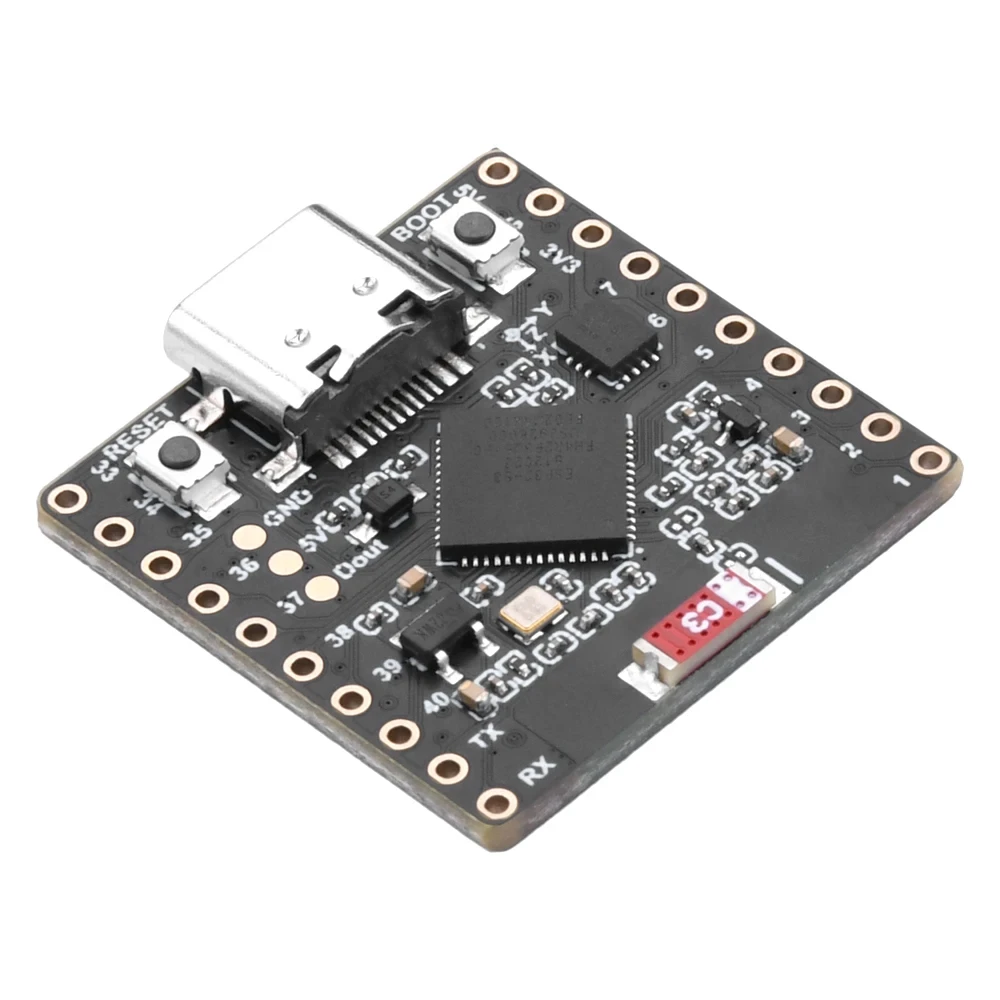

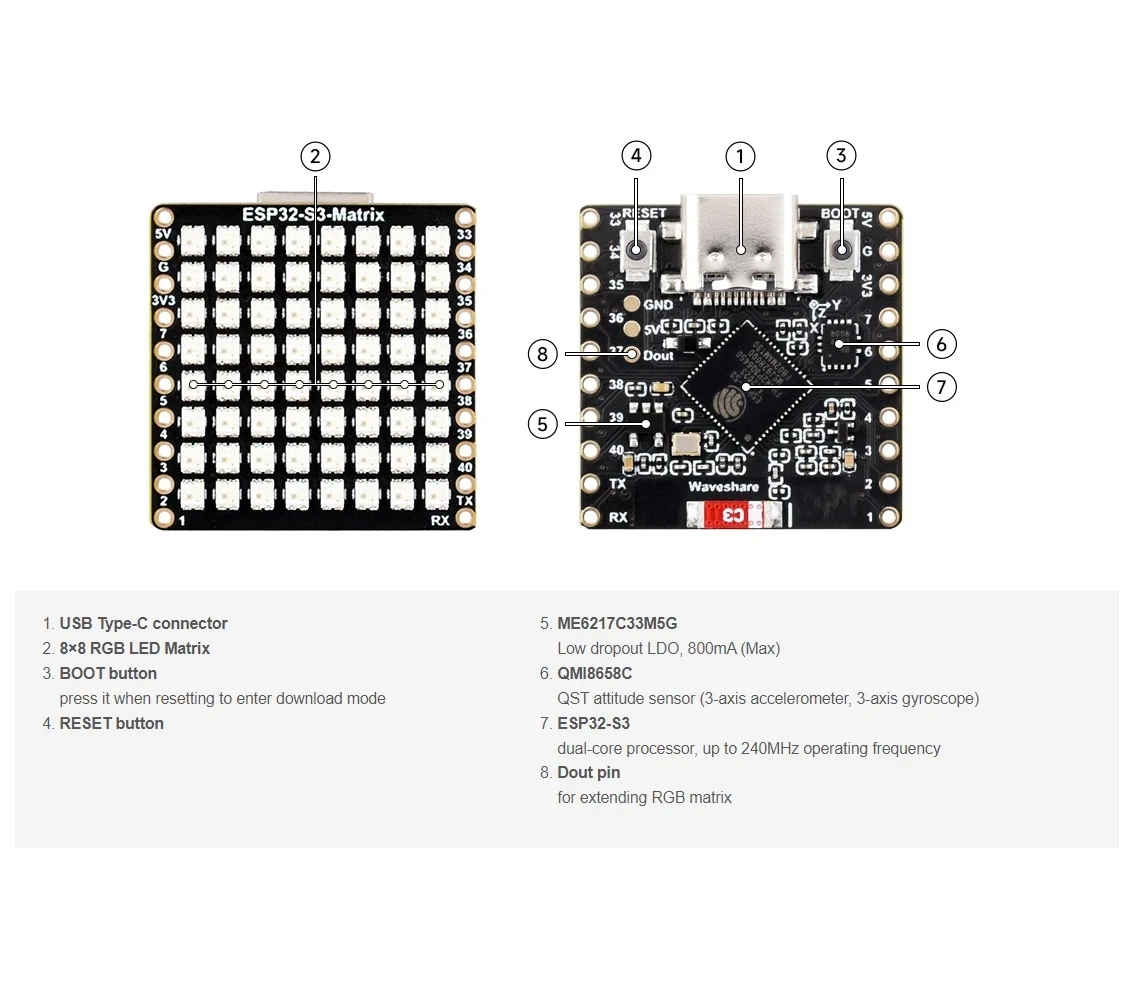
Imágenes
ESP32 S3 Matrix
ESP32 S3 Matrix pin out
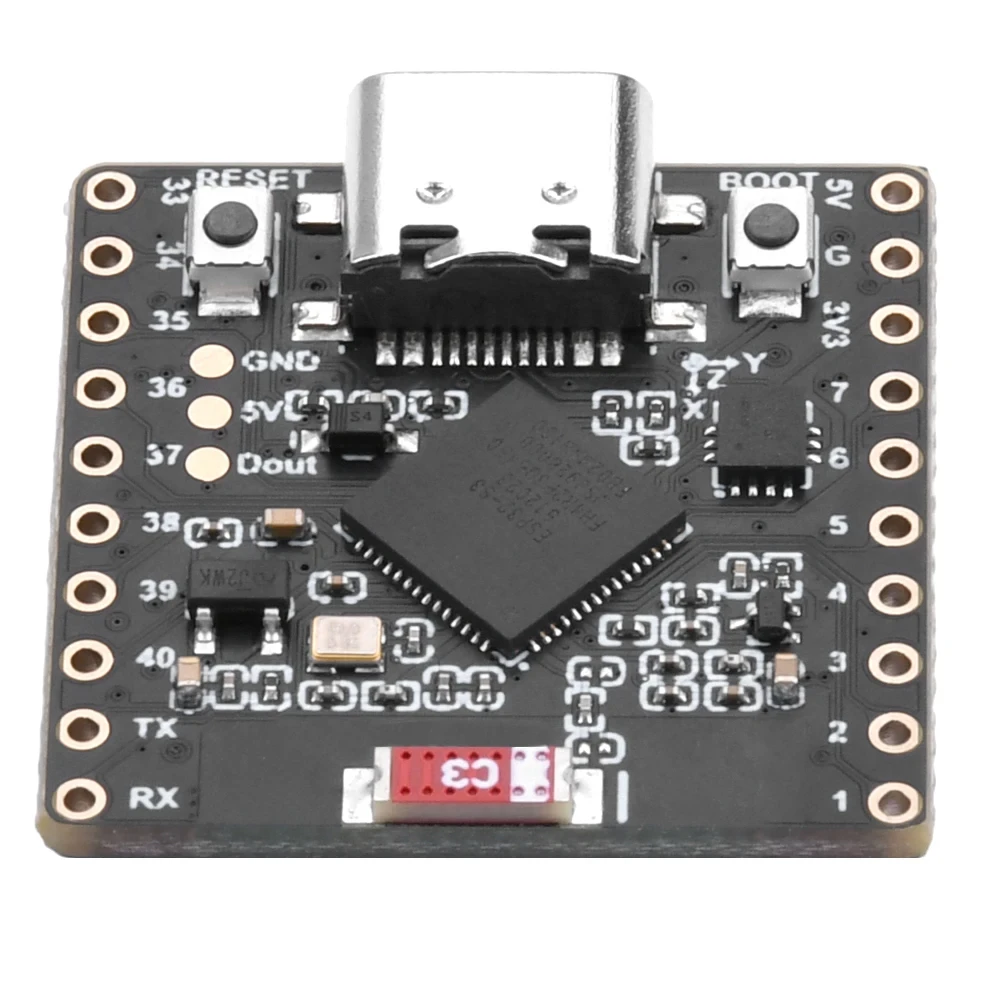
ESP32-S3_RGB_8x8_matrix-3
ESP32-S3_RGB_8x8_matrix1

ESP32-S3_RGB_8x8_matrix-2
Este tutorial es parte de: Matriz de LED RGB ESP32-S3
- Proyectos con Matriz LED RGB para ESP32-S3 (Juego de Inclinación, Texto, Flecha, Demostración WiFi)
- Proyecto 2 de matriz de LED RGB ESP32-S3 - Texto en desplazamiento
- Proyecto de matriz LED RGB ESP32-S3 3 - Texto desde teléfono móvil
- Proyecto de matriz de LED RGB ESP32-S3 4 - Punto inclinado
- Proyecto de Matriz LED RGB ESP32-S3 5 - Flecha siempre arriba
- Proyecto de Matriz LED RGB ESP32-S3 6 - Juego de Cible
- Proyecto de reloj básico con matriz LED RGB ESP32-S3 Wi-Fi + hora NTP -1
- Proyecto de Reloj por Internet con Matriz LED RGB ESP32-S3 - Pantalla de Hora y Fecha multicolor de 2 Relojes
- Proyecto de Reloj de Internet con Matriz de LED RGB ESP32-S3 - 3 Colores Nocturnos con Fecha
- Proyecto de reloj de internet con matriz de LED RGB ESP32-S3 - 5 colores del arcoíris
- Proyecto de reloj en Internet con matriz de LED RGB ESP32-S3 - 4 colores aleatorios
871-ESP32-S3 RGB LED Matrix test for RGB, GRB setting
Idioma: C++
/*
 * =====================================================================================
 * 8x8 RGB MATRIX - COLOR ORDER TESTER
 📚⬇️ Download and resource page https://robojax.com/RJT841
 Full youTube video: https://youtu.be/XEZLyznWmYM
 * =====================================================================================
 * This script helps you verify if your matrix matches the 'NEO_RGB' setting.
 * - Displays 'R' in Red
 * - Displays 'G' in Green
 * - Displays 'B' in Blue
 * * If 'R' shows up as Green or Blue, you need to change the configuration line:
 * e.g., NEO_GRB + NEO_KHZ800  OR  NEO_RGB + NEO_KHZ800
 * =====================================================================================
 */

#include <Adafruit_GFX.h>
#include <Adafruit_NeoMatrix.h>
#include <Adafruit_NeoPixel.h>

#define MATRIX_PIN 14

// --- USER SETTINGS ---
const int TEST_DELAY = 2000;      // Time in milliseconds between colors
const int TEST_BRIGHTNESS = 30;   // Set brightness (0 to 255)

// Define the matrix - change NEO_RGB to NEO_GRB if colors are swapped
Adafruit_NeoMatrix matrix(8, 8, MATRIX_PIN,
  NEO_MATRIX_TOP    + NEO_MATRIX_LEFT +
  NEO_MATRIX_ROWS   + NEO_MATRIX_PROGRESSIVE,
  NEO_RGB           + NEO_KHZ800);

void setup() {
  matrix.begin();
  matrix.setTextWrap(false);
  matrix.setBrightness(TEST_BRIGHTNESS);
}

void loop() {
  // 1. TEST RED
  matrix.fillScreen(0);
  matrix.setTextColor(matrix.Color(255, 0, 0)); // Red
  matrix.setCursor(1, 0);
  matrix.print("R");
  matrix.show();
  delay(TEST_DELAY);

  // 2. TEST GREEN
  matrix.fillScreen(0);
  matrix.setTextColor(matrix.Color(0, 255, 0)); // Green
  matrix.setCursor(1, 0);
  matrix.print("G");
  matrix.show();
  delay(TEST_DELAY);

  // 3. TEST BLUE
  matrix.fillScreen(0);
  matrix.setTextColor(matrix.Color(0, 0, 255)); // Blue
  matrix.setCursor(1, 0);
  matrix.print("B");
  matrix.show();
  delay(TEST_DELAY);
}
Cosas que podrías necesitar
-
Amazonas
-
eBay
-
AliExpressCompra ESP32-S3 Matriz RGB en AliExpress (2)s.click.aliexpress.com
-
AliExpressCompra la matriz RGB ESP32-S3 en AliExpress.s.click.aliexpress.com
Recursos y referencias
-
Interno🎨 Herramienta de selección de colorrobojax.com
Archivos📁
Archivo de Fritzing
-
parte fritzing esp32-S3-supermini-tht
esp32-S3-supermini-tht.fzpz0.02 MB