ቀላል የአርዱኖ ፕሮጀክት፡- ሰርቮን በፑሽቡታን ይቆጣጠሩ ከ180 ዲግሪ ወደ 0 እና ወደ ኋላ
መግቢያ
ይህ ጽሑፍ ሰርቮ ሞተርን ለመቆጣጠር የግፊት ቁልፍን የሚጠቀም ቀላል የአርዱኖ ፕሮጀክት ያብራራል። ሰርቮ ሞተር ወደ አንድ የተወሰነ ቦታ መሽከርከር የሚችል ትክክለኛ ሞተር ነው፣ ይህም እንደ ሮቦቲክስ እና አውቶሜሽን ላሉ አፕሊኬሽኖች ተስማሚ ያደርገዋል። ይህ ፕሮጀክት አንድ ቁልፍ ሲጫን ሰርቮው ከ0 ወደ 180 ዲግሪ እንዲንቀሳቀስ እና ሲለቀቅ ወደ 0 እንዲመለስ ያደርጋል።
የፕሮጀክት ክፍሎች እና ሽቦ አያያዥ
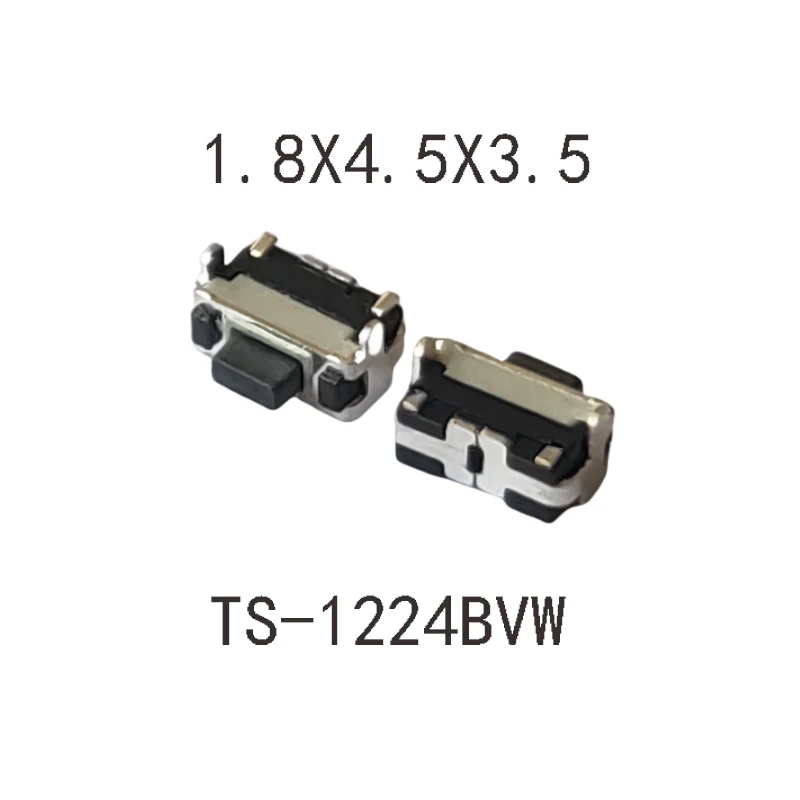
የአርዱኖ ቦርድ፣ ሰርቮ ሞተር እና የግፊት ቁልፍ ያስፈልግዎታል።
የሽቦ አያያዥ መመሪያዎች፡-
- ሰርቮ ሞተር፡ የሲግናል ሽቦውን (ብዙውን ጊዜ ቢጫ/ብርቱካናማ) ከአርዱኖ ፒን 3 ጋር፣ የኃይል ሽቦውን (ቀይ) ከ5V ጋር፣ እና የመሬት ሽቦውን (ጥቁር/ቡናማ) ከGND ጋር ያገናኙ።
- የግፊት ቁልፍ፡ አንዱን እግር ከዲጂታል ፒን 2 እና ሌላኛውን እግር ከGND ፒን ጋር ያገናኙ። ያ ብቻ ነው! የአርዱኖን ውስጣዊ የመጎተት-ወደላይ ተቃዋሚ በመጠቀም፣ ውጫዊ ተቃዋሚ አያስፈልግዎትም።
ኮዱ ተብራርቷል
ፕሮግራሙ በሦስት ዋና ክፍሎች ይከፈላል፡ የፒን ትርጓሜዎች፣ የsetup() ተግባር እና የloop() ተግባር።
የፒን ትርጓሜዎች
ይህ ክፍል አስፈላጊ ቤተ-መጻሕፍትን ያዘጋጃል እና ለሚጠቀሙባቸው ፒኖች ትርጉም ያላቸው ስሞችን ይመድባል።
#include <Servo.h>

const int servoPin = 3;
const int buttonPin = 2;

Servo myServo;የsetup() ተግባር
የsetup() ተግባር የአርዱኖ ቦርድ ሲበራ ወይም ሲቀያየር አንድ ጊዜ ብቻ የሚሰራ ኮድ ይዟል። ለመጀመሪያ ውቅር ያገለግላል።
void setup() {
  myServo.attach(servoPin);
  pinMode(buttonPin, INPUT_PULLUP);
  myServo.write(0);
}
ወሳኙ ለውጥ pinMode(buttonPin, INPUT_PULLUP); ነው። ይህ የፒኑን ቮልቴጅ ወደ HIGH የሚጎትት ውስጣዊ ተቃዋሚ ያንቀሳቅሳል። ቁልፉን ሲጫኑ፣ ፒኑን ከመሬት ጋር ያገናኛል፣ እና ቮልቴጁ ወደ LOW ይወርዳል።
የloop() ተግባር
የloop() ተግባር ዋናውን የፕሮግራም አመክንዮ ይዟል እና የsetup() ተግባር ካለቀ በኋላ ያለማቋረጥ ለዘላለም ይሰራል።
void loop() {
  int buttonState = digitalRead(buttonPin);

  if (buttonState == LOW) {
    myServo.write(180);
  } else {
    myServo.write(0);
  }
}
እዚህ ላይ ያለው አመክንዮ አሁን ተቀልብሷል። የቁልፍ ግፊት የLOW ምልክት ስለሚያስከትል፣ ሰርቮውን ወደ 180 ዲግሪ ለማንቀሳቀስ የif (buttonState == LOW) ሁኔታ ጥቅም ላይ ይውላል።
ምስሎች

#include <Servo.h>
/*
This is sketch for controlling servo motor. when push button is pressed, the servo moves to 180 degreees and stays there. when the push button is released, the servo motor returns back to 0 degree.
*/
// Define the pin for the servo motor
const int servoPin = 3;
// Define the pin for the push button
const int buttonPin = 2;

// Create a Servo object
Servo myServo;

void setup() {
  // Attach the Servo object to the servo pin
  myServo.attach(servoPin);
  // Set the button pin as an input
  pinMode(buttonPin, INPUT);
  // Start the servo at 0 degrees
  myServo.write(0);
}

void loop() {
  // Read the state of the push button
  int buttonState = digitalRead(buttonPin);

  // If the button is pressed (HIGH)
  if (buttonState == HIGH) {
    // Move the servo to 180 degrees
    myServo.write(180);
  } else {
    // If the button is released (LOW), move the servo back to 0 degrees
    myServo.write(0);
  }
}
እንደሚያስፈልግዎት ይችላል
-
አማዞንServo motor on Amazonamzn.to
-
አሊኤክስፕሬስPurchase SG90 servo motor 180 or 360 from AliExpresss.click.aliexpress.com
ምንጮች እና ምንጮች
አሁን ምንም ምንጮች የለም።
ፋይሎች📁
አንድ ፋይል የለም።