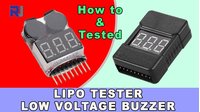
How to use LiPo Li-ion Li-Fe Lithium Battery Tester with Low Voltage buzzer alarm
In this guide, we’ll explore the practical use of a 1-8S LiPo battery tester with a low voltage buzzer alarm. This compact device is an essential tool for anyone working with lithium polymer (LiPo), lithium-ion (Li-ion), or lithium iron phosphate (LiFe) batteries. Its primary function is to monitor the voltage of each individual cell in a battery pack and sound a loud, audible alarm when any cell drops below a threshold you set. This is critical because lithium batteries are sensitive to over-discharge; letting a cell drop too low can permanently damage it or even create a safety hazard.
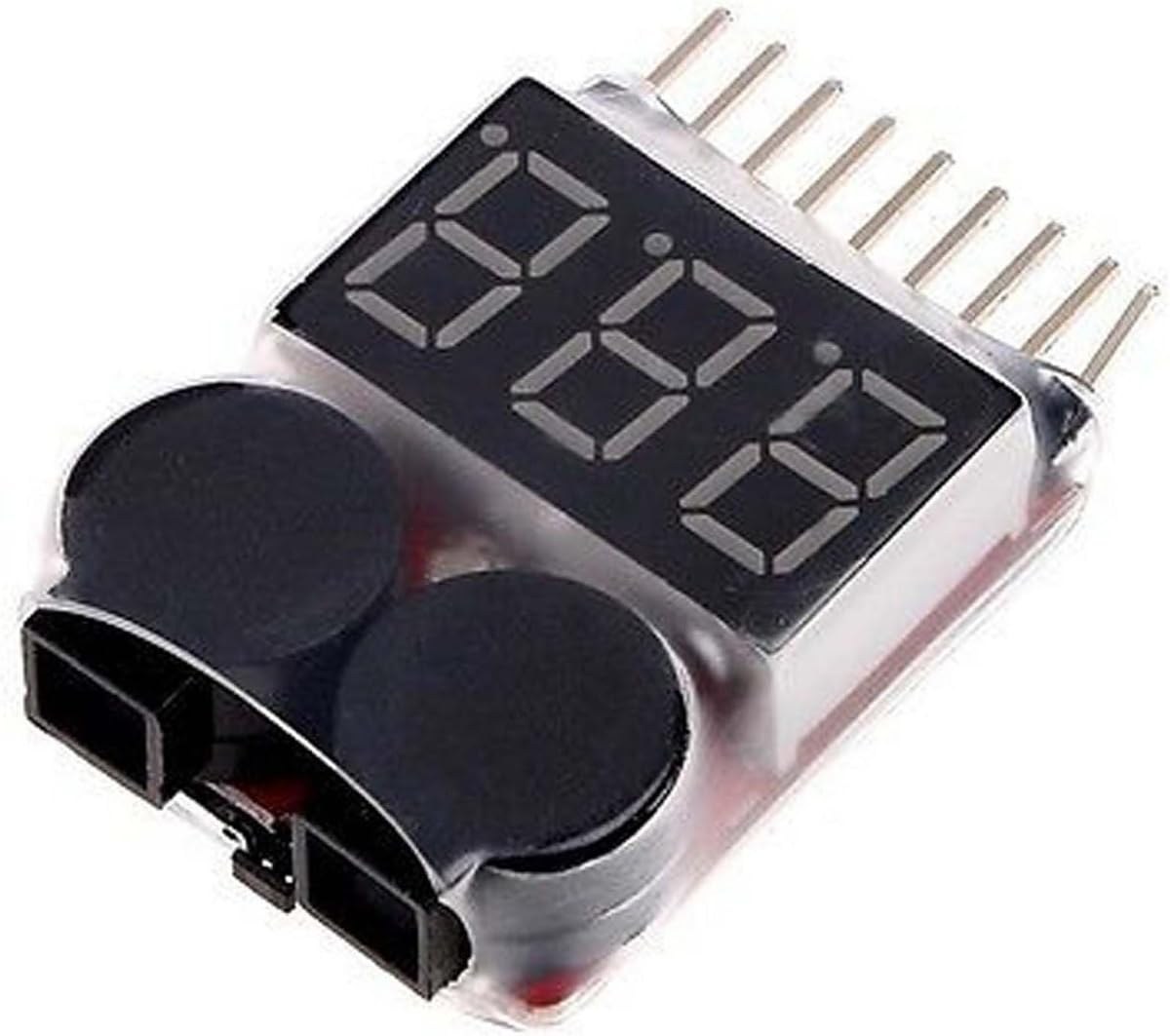
This tester is widely used in hobbies and professional applications where battery health is paramount. Here are some practical examples of how you can use it:
- Drone Flying: Attach it to your drone's main battery connector before takeoff. The loud buzzer will alert you when it's time to land, preventing over-discharge and extending battery life.
- RC Cars and Boats: Monitor the battery pack in your remote-controlled vehicle. The alarm ensures you don't run the battery down to a damaging level during a race or a long run.
- Portable Electronics Projects: Use it to monitor the battery in a custom-built portable device, such as a Raspberry Pi project or a wearable, to know when to recharge.
- Battery Storage and Maintenance: Periodically check the voltage of batteries in storage to ensure they are at a safe storage voltage (typically around 3.8V per cell) and haven't self-discharged to a dangerous level.
- Battery Sorting and Testing: Quickly test a collection of batteries to identify weak cells or packs that need to be replaced, as demonstrated in the video.
Hardware Overview
The video showcases two versions of the tester. The first is a newer model with a protective plastic casing, while the second is a bare PCB version. Both operate on the same principle. The tester connects to the battery's balance lead, which provides access to each individual cell's voltage. It features a small display to show these voltages and a button to configure the alarm threshold.
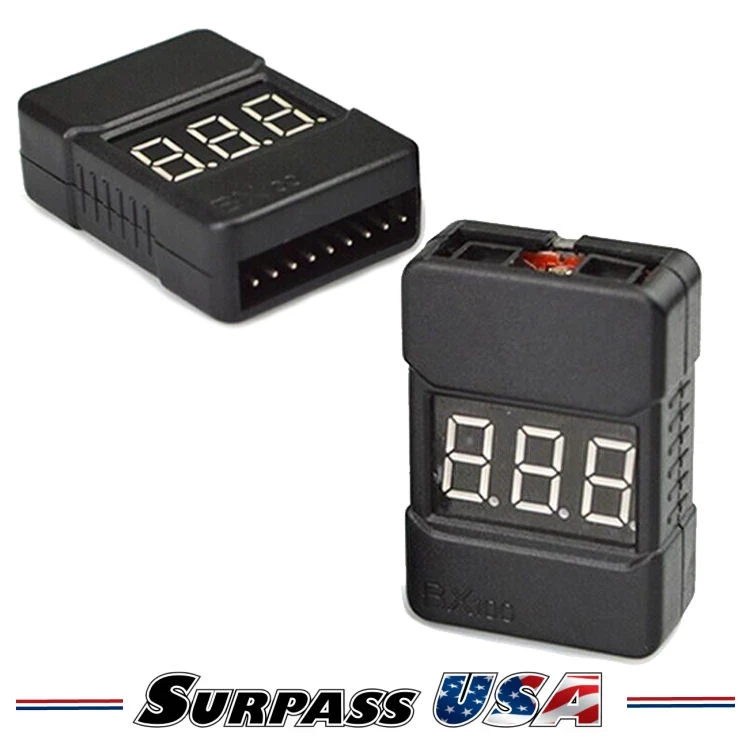
The device has a 9-pin connection interface. One pin is the common ground (negative), and the other eight pins are for cells 1 through 8. This allows it to work with battery packs ranging from a single cell (1S) up to an 8-cell (8S) configuration. The tester is powered directly by the battery it's monitoring, so it requires no external power source.
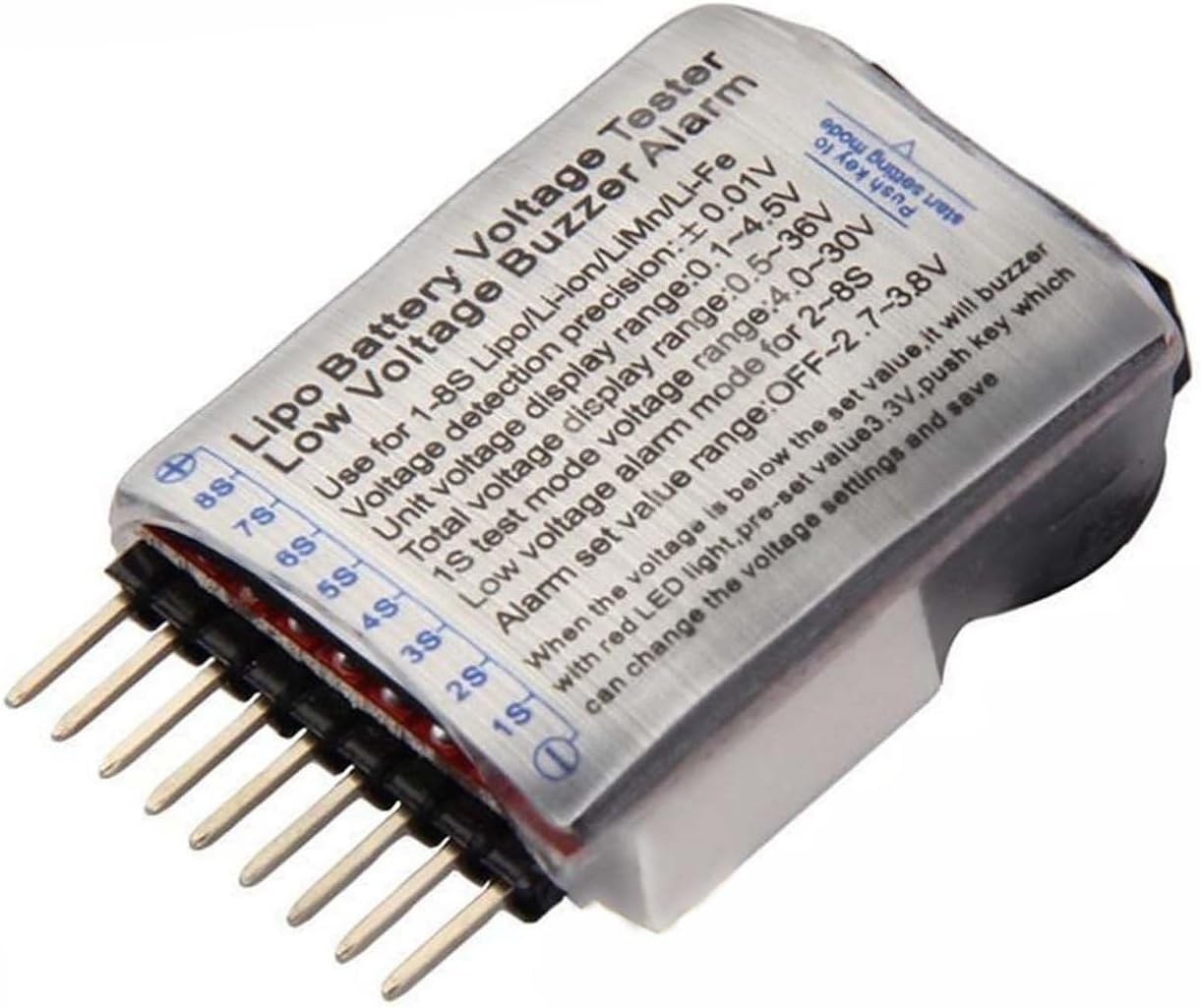
Wiring Guide
Connecting the tester is straightforward, but it's crucial to get the orientation right to get accurate readings. The battery's balance connector is a JST-XH type. The key is to align the ground wire correctly.
Looking at the connector, you'll notice one side has small plastic bumps or ridges (the "bumpy" side), and the other is flat. The ground wire is located on the flat side. When connecting the tester, ensure the flat side of the battery's connector aligns with the flat side on the tester's socket. For a 3-cell battery, the ground wire goes to the leftmost pin on the tester, followed by the wires for cell 1, cell 2, and cell 3.
For the tester with the casing, the flat side should be facing up, and you must insert the connector on the left side. Inserting it on the right side will result in incorrect readings, as that side is designated for the highest cell number (e.g., cell 8 on an 8S battery).
Note: A detailed wiring diagram is referenced in the video and is essential for a clear understanding of the connections.
Setting the Alarm Threshold
Setting the alarm voltage is a simple process using the button on the device.
- Press the button once. The display will show a value, typically "3.3". This is the current alarm threshold.
- Press the button again to cycle through the preset values. The video mentions options like "0.0" (to turn the alarm off), "2.7", "2.8", and "3.5".
- Stop at your desired voltage. For example, setting it to "2.8" means the alarm will sound when any cell's voltage drops to 2.8V or below.
Once set, the tester will monitor the battery. When a cell's voltage falls below the threshold, the device will emit a loud, continuous beeping sound. This is especially useful in noisy environments or when the battery is far away, like in a flying drone. The video notes a minor difference between the two models: the cased version makes a beep when you change the setting, while the bare PCB version does not.
Testing and Demonstration
In the video, the tester is used to check a variety of batteries, including 3S and 6S packs. The display shows the total pack voltage and the voltage of each individual cell. For example, a fully charged 3S battery should show around 12.6V total, with each cell reading approximately 4.2V.
The demonstration highlights the tester's ability to identify weak cells. One battery showed a total voltage of 10.2V, but the individual cell readings revealed one cell at 2.9V, which is dangerously low. This triggered the alarm, showcasing the tester's value in diagnosing battery health. The device is also useful for verifying that a battery is fully charged before use and for confirming that a charger is working correctly by comparing the readings on the tester with those on the charger's display.
Key Differences and Recommendations
The video concludes by comparing the two models. The primary difference is the protective casing on the newer model. While the casing offers a bit more physical protection, the presenter notes that in a high-impact scenario like a drone crash, neither version is likely to survive. The choice between the two largely comes down to personal preference and whether the slight physical protection is worth the extra material and cost.
Video Chapters
- [00:00] Introduction and overview of the LiPo battery tester
- [00:27] Comparing the new cased model with the bare PCB model
- [01:21] Understanding the pin connections and battery connector orientation
- [02:23] How to set the voltage alarm threshold
- [03:33] Testing the cased model and verifying readings
- [04:20] Testing a collection of various LiPo batteries
- [05:32] Testing a 6S battery pack
- [06:41] Checking fully charged batteries and verifying accuracy
- [09:12] Final thoughts and comparison of the two models
Imagens
Coisas que você pode precisar
-
Amazonas
-
AliExpressBuy LiPo Tester voltage monitor buzzer from AliExpresss.click.aliexpress.com
-
AliExpressBuy LiPo Tester voltage monitor buzzer from AliExpress-2s.click.aliexpress.com
-
AliExpressBuy silicone soldering mat from AliExpresss.click.aliexpress.com
Recursos e referências
Ainda não há recursos.
Arquivos📁
Nenhum arquivo disponível.



![[New Version] Only Display Unit for XY6020L CNC Adjustable Stabilized Voltage Power Supply Constant Current Buck Module](https://ae-pic-a1.aliexpress-media.com/kf/Sd91d3681bd8b4c68b79de5c627e33858T.jpg)