Lesson 32: MCP9808 High-Accuracy I²C Temperature Custom Code | Arduino Step-by-Step Course
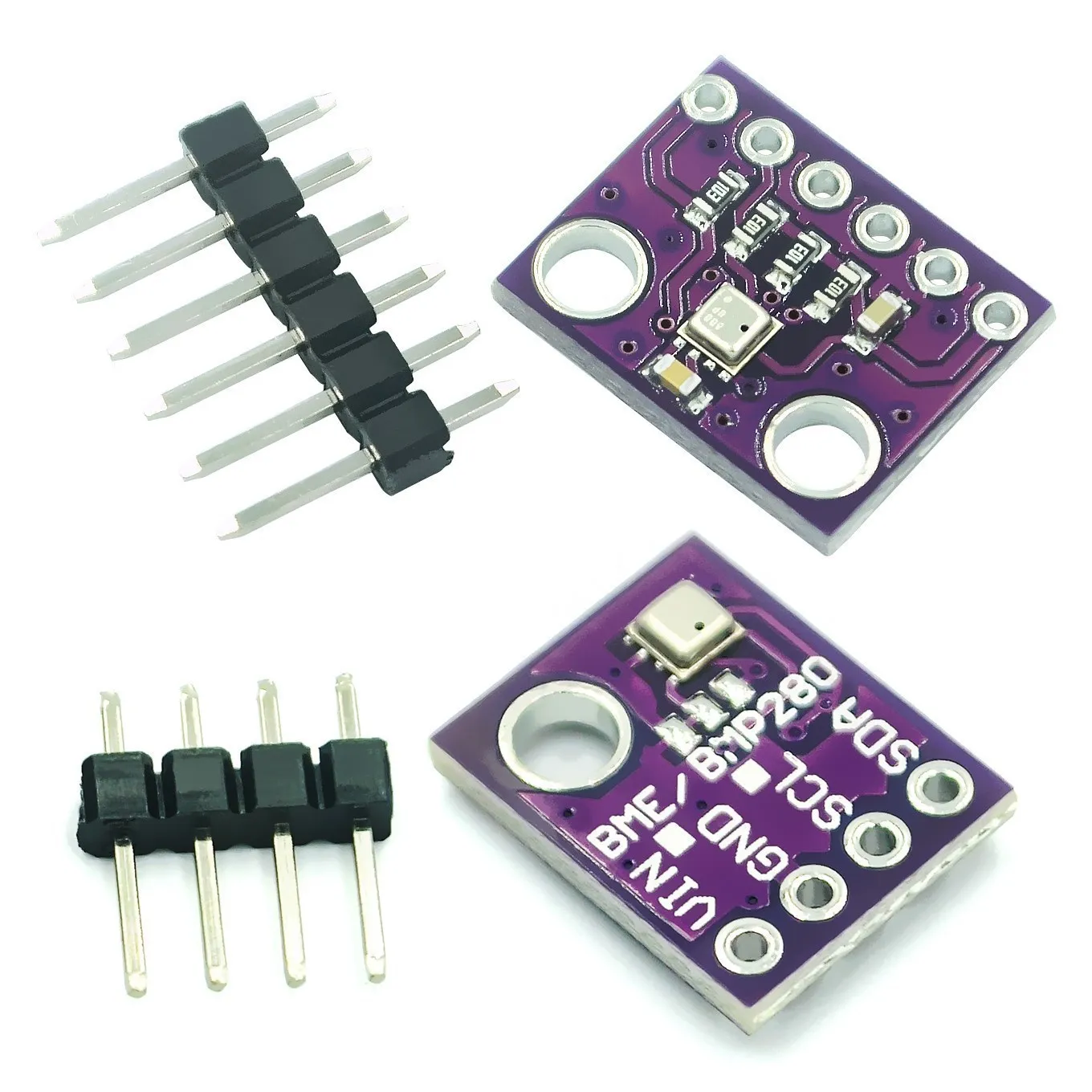
In this lesson, we learn how to use the MCP9808 temperature sensor to measure temperature and display it on the Arduino IDE serial monitor. We will also take action based on the temperature value. There are two other videos and code examples for LCD and LED displays.
516-Lesson 32: MCP9808 High-Accuracy I2C Temperature Custom Code | Arduino Step-by-Step Course
语言: C++
/*
 * Robojax Arduino Step-by-Step Course
 * Part 3: Temperature Sensors
 * Lesson 32: MCP9808 Custom function

 * Updated by Ahmad Shamshiri for Robojax. Robojax.com
 * February 23, 2019 in Ajax, Ontario, Canada

  Please watch video instructions here: https://youtu.be/fHBHzxK9mFk
 This code is available at: http://robojax.com/course1/?vid=lecture32

 With over 100 lectures free on YouTube. Watch it here: http://robojax.com/L/?id=338
 Get the code for the course: http://robojax.com/L/?id=339
 If you found this tutorial helpful, please support me so I can continue creating.
 Make a donation using PayPal: http://robojax.com/L/?id=64

 * Code is available at: http://robojax.com/learn/arduino

 * This code is "AS IS" without warranty or liability. Free to be used as long as you keep this note intact.
 * This code has been downloaded from Robojax.com
    This program is free software: you can redistribute it and/or modify
    it under the terms of the GNU General Public License as published by
    the Free Software Foundation, either version 3 of the License, or
    (at your option) any later version.

    This program is distributed in the hope that it will be useful,
    but WITHOUT ANY WARRANTY; without even the implied warranty of
    MERCHANTABILITY or FITNESS FOR A PARTICULAR PURPOSE.  See the
    GNU General Public License for more details.

    You should have received a copy of the GNU General Public License
    along with this program.  If not, see <https://www.gnu.org/licenses/>.


 */

/**************************************************************************/
/*!
 This is a demo for the Adafruit MCP9808 breakout.
 ----> http://www.adafruit.com/products/1782
 Adafruit invests time and resources providing this open source code,
 please support Adafruit and open-source hardware by purchasing
 products from Adafruit!
*/
/**************************************************************************/

#include <Wire.h>
#include "Adafruit_MCP9808.h"

// Create the MCP9808 temperature sensor object
Adafruit_MCP9808 tempsensor = Adafruit_MCP9808();

void setup() {
	//YouTube Watch it here http://robojax.com/L/?id=338
  Serial.begin(9600);
  Serial.println("MCP9808 demo by Robojax");

  // Make sure the sensor is found, you can also pass in a different i2c
  // address with tempsensor.begin(0x19) for example
  if (!tempsensor.begin()) {
    Serial.println("Couldn't find MCP9808!");
    while (1);
  }
}

void loop() {
  //Serial.println("wake up MCP9808.... "); // wake up MCP9808 - power consumption ~200 mikro Ampere
  //tempsensor.wake();   // wake up, ready to read!

  // Robojax example
  Serial.print(getTemp('C'));// print Temperature in Celsius
        Serial.println(" C");// print C
  Serial.print(getTemp('F'));// print Temperature in Celsius
        Serial.println(" F");// print F
  Serial.print(getTemp('K'));// print Temperature in Kelvin
        Serial.println(" K");// print K
  Serial.println();

  //Serial.println("Shutdown MCP9808.... ");
  //tempsensor.shutdown(); // shutdown MCP9808 - power consumption ~0.1 micro Ampere

  delay(1000);
  //YouTube Watch it here http://robojax.com/L/?id=338
}


/*
 * Written by Ahmad Shamshiri for Robojax.com
 * January 22, 2019 in Ajax, Ontario, Canada
 *
 * getTemp(char type)
 * returns temperature in either C, F, or K
 * @param type is a character of upper case
 * C is used to get Celsius
 * F is used to get Fahrenheit
 * K is used for Kelvin
 */
float getTemp(char type) {
	//YouTube Watch it here http://robojax.com/L/?id=338
    float c = tempsensor.readTempC();//get main temperature in C
  float f = c * 9.0 / 5.0 + 32;// convert to fahrenheit
  if(type =='F')
  {
    return f;// fahrenheit
  }else if(type =='K')
  {
    return c + 274.15;// return Kelvin
  }else{
   return c; //return Celsius
  }

}//getTemp ends
资源与参考
-
外部Adafruit MCP9808 库(来自 GitHub)github.com
-
外部下载 MCP9808 数据表(PDF)ww1.microchip.com
文件📁
没有可用的文件。