呢個教學係以下嘅一部分: 第 107 课 28BYJ-48 步进电机 8 个项目
本视频包含 8 个项目,每个项目都有独立的代码。其他视频的链接位于本文下方。
第107-5課:傳送28BYJ-48摩打順時針或逆時針方向轉一圈,STPB-3
項目5:用按鈕STPB-3觸發一圈 – 28BYJ-48步進馬達
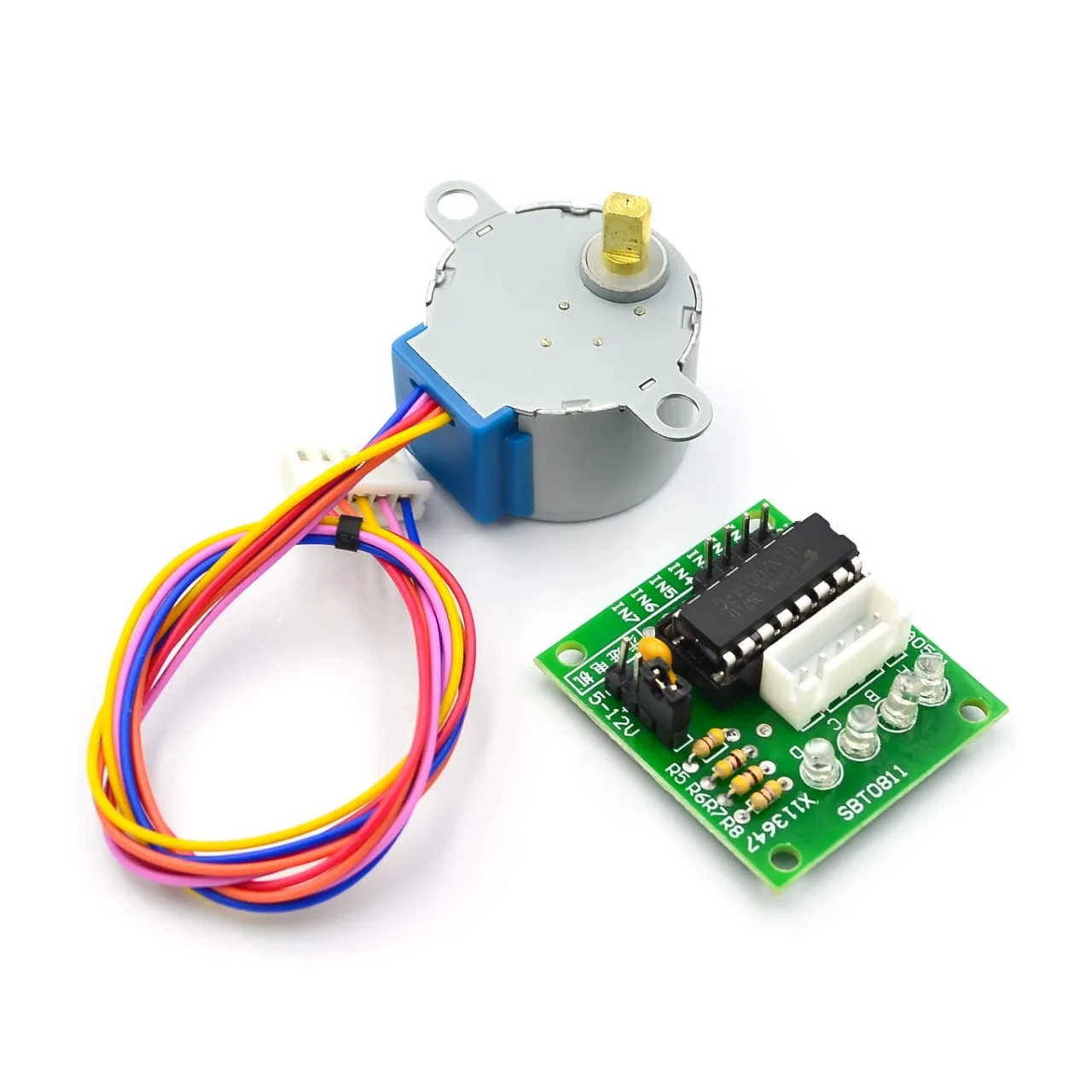
呢篇文章係8個項目教學系列嘅一部分,主題係用Arduino控制28BYJ-48步進馬達。喺項目5入面,我哋用一個新嘅按鈕,叫做STPB-3,每次撳一下就會觸發馬達轉動完整一圈。呢種方法常用於需要精確單次循環控制嘅索引運動系統。
呢個項目嘅完整原始碼同接線圖喺下面提供。
📘 簡介
呢個項目擴展咗之前基於按鈕嘅控制,引入咗鎖存行為:撳一次按鈕就會開始並完成剛好一圈嘅馬達轉動。系統喺馬達運作期間會忽略按鈕狀態,以確保精確同可重複嘅運動。
⚙️ 接線圖
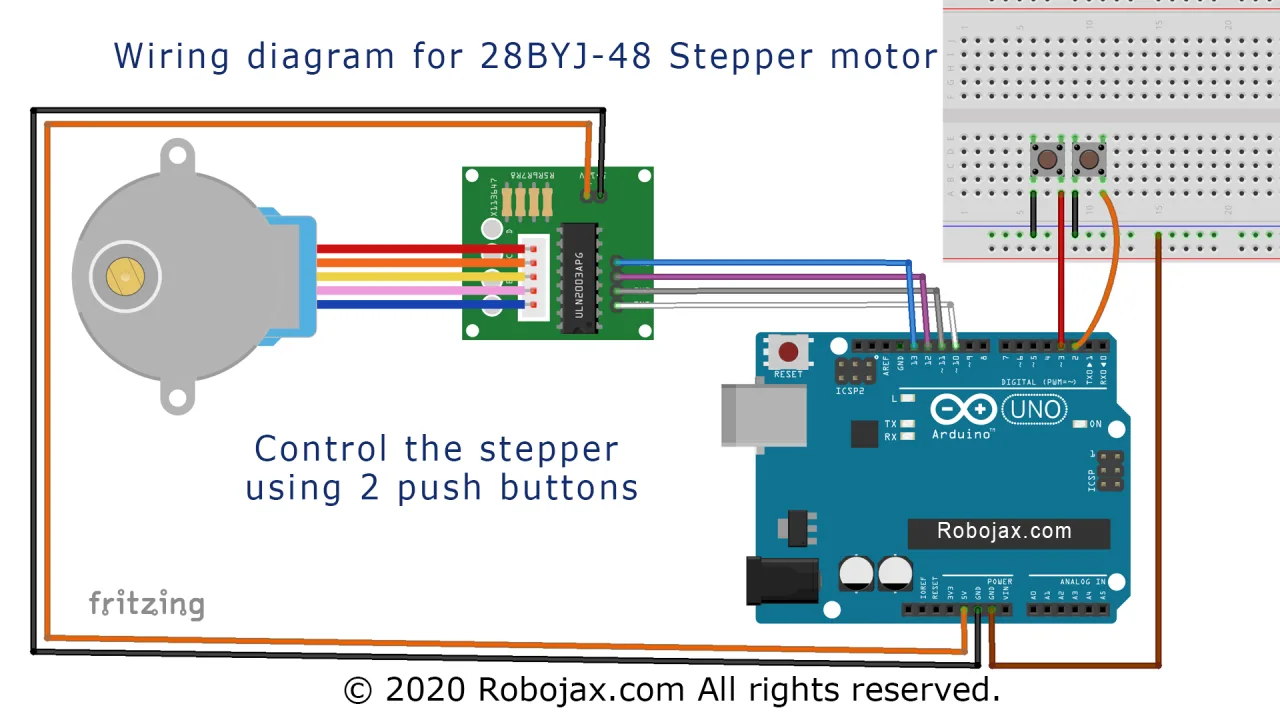
除咗步進馬達同ULN2003驅動器嘅連接之外,呢個項目仲會將STPB-3按鈕連接如下:
-
STPB-3按鈕嘅一個端子 → Arduino引腳2
-
另一個端子 → GND
-
使用內部上拉配置
說明: 項目5接線:撳一下STPB-3觸發馬達轉動一圈。
💻 程式碼解釋
呢段程式碼用邊緣檢測嚟識別單次撳掣事件,並執行一次完整嘅步進馬達轉動。
-
初始化常數同物件:
#include <Stepper.h>
const int stepsPerRevolution = 2048;
Stepper myStepper(stepsPerRevolution, 8, 10, 9, 11);
const int buttonPin = 2;
int lastButtonState = HIGH;-
Setup函數:
void setup() {
  pinMode(buttonPin, INPUT_PULLUP);
  myStepper.setSpeed(10);
  Serial.begin(9600);
}-
帶邊緣檢測嘅Loop函數:
void loop() {
  int currentState = digitalRead(buttonPin);
  if (lastButtonState == HIGH && currentState == LOW) {
    myStepper.step(stepsPerRevolution);
  }
  lastButtonState = currentState;
}-
咁樣確保馬達只喺按鈕開始撳落去(下降邊緣)嗰陣轉動一次。
-
避免按住按鈕期間重複觸發。
🎬 完整影片嘅時間戳
如果想睇視覺參考,可以參考完整教學入面嘅呢啲位置:
-
51:20 – 項目5:簡介
-
52:15 – 項目5:接線
-
55:40 – 項目5:程式碼
-
1:03:30 – 項目5:示範
📁 下載部分
你可以喺下面下載呢個項目嘅完整程式碼同接線圖。當機械系統需要每次撳掣都有精確定位嘅時候,呢種方法就好理想。
下一個係[項目6:用STPB-4控制可變角度同速度]。
圖片
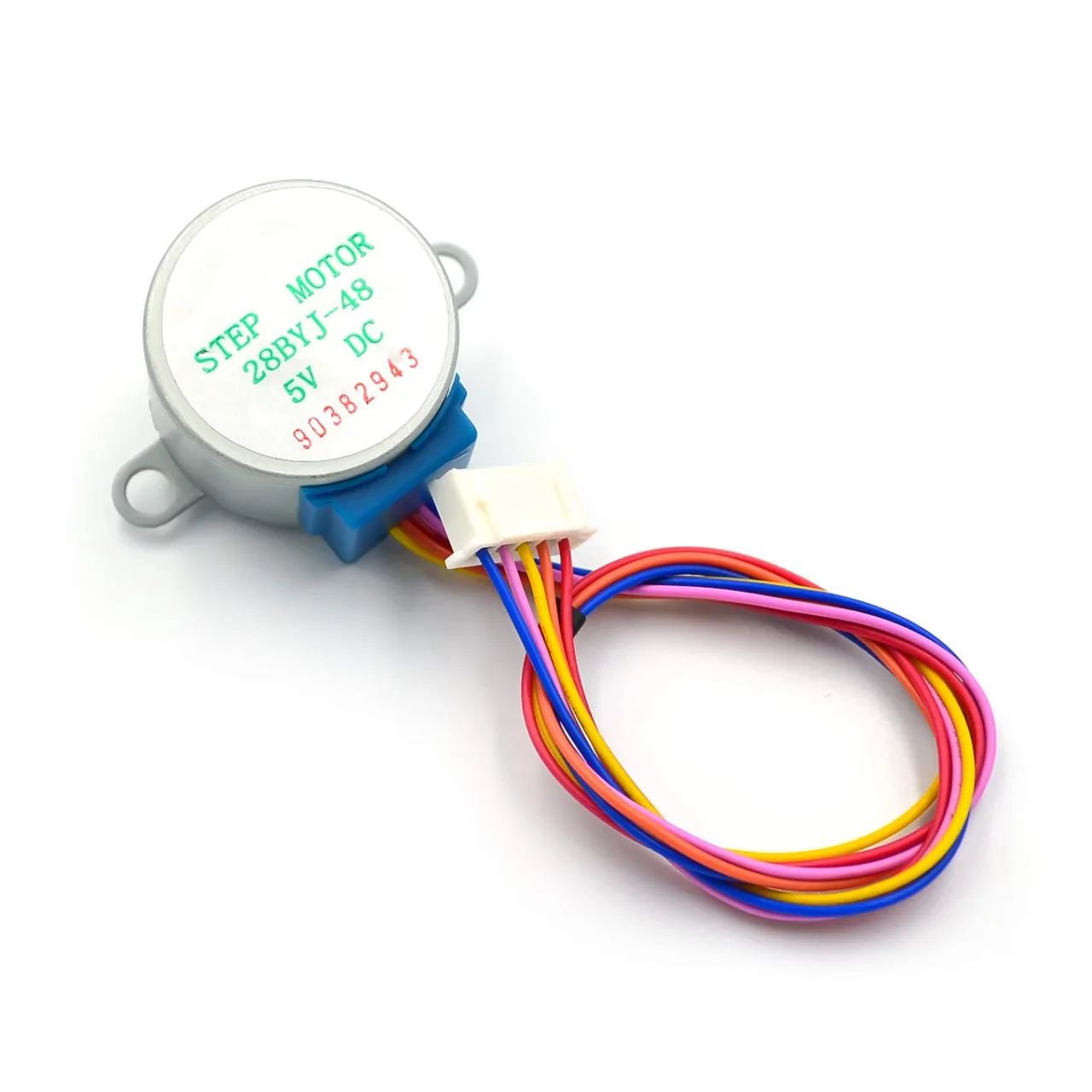
stepper_28BYJ-48-3
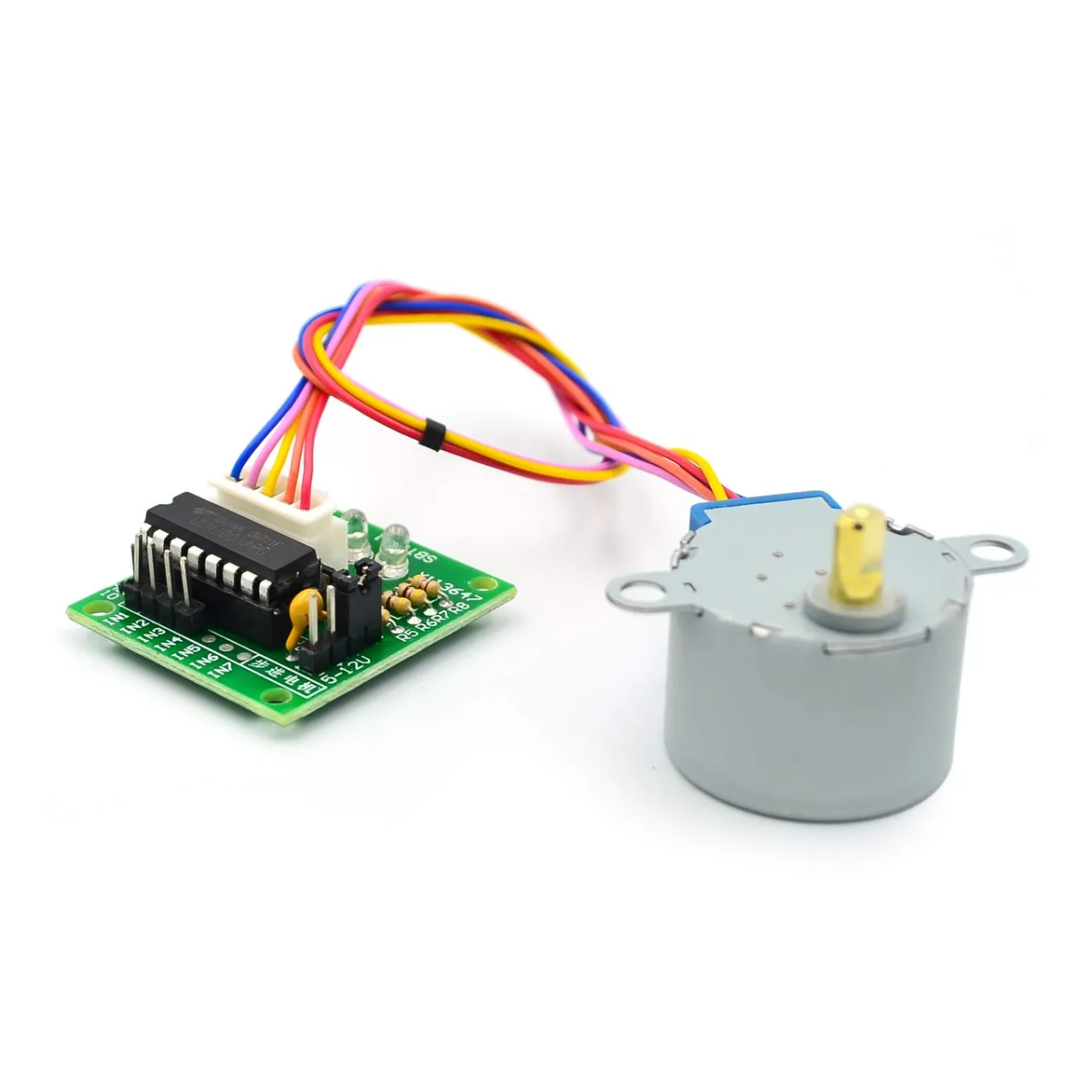
stepper_28BYJ-48-2
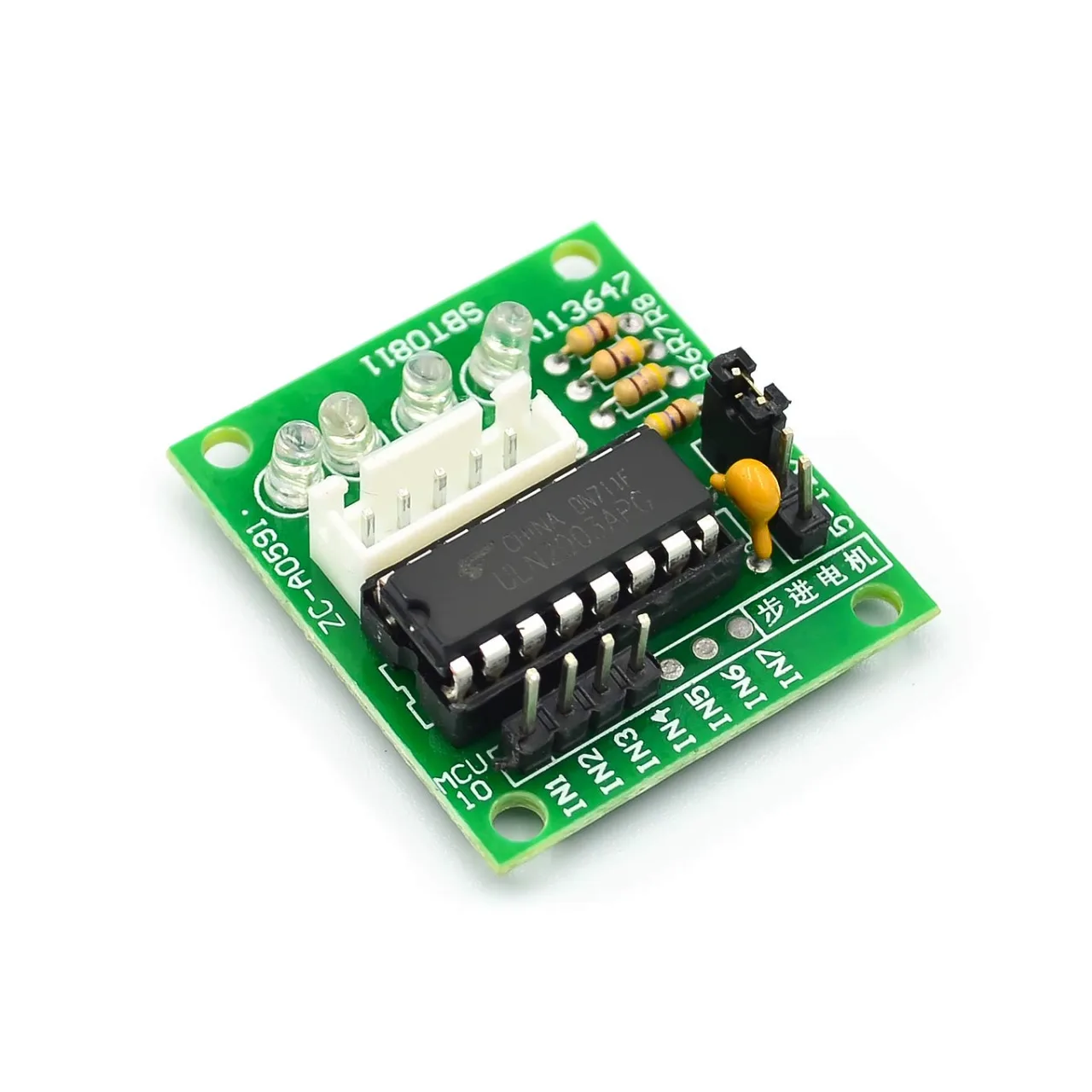
ULN2003_board-1
stepper_28BYJ-48-0
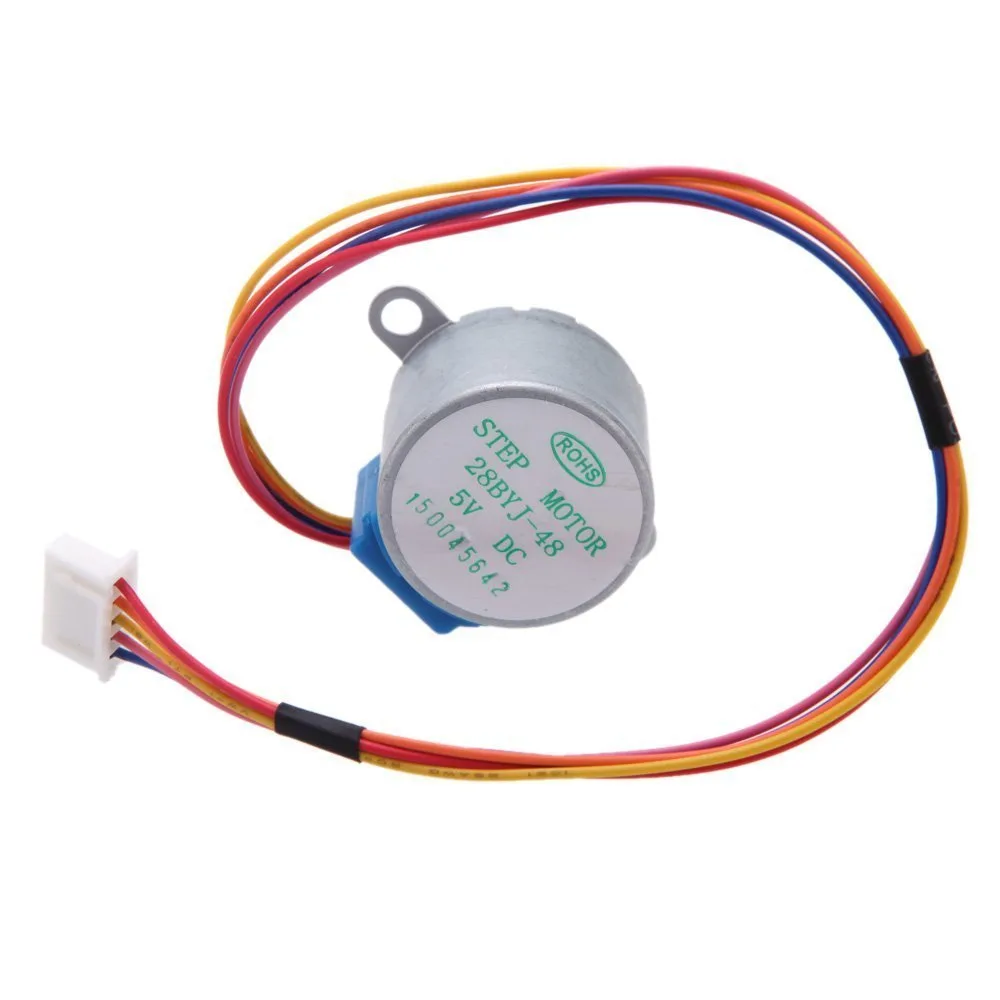
stepper_28BYJ-48-1
stepper_28BYJ-48_wiring_PB-_keep_pressed
呢個教學係以下嘅一部分: 第 107 课 28BYJ-48 步进电机 8 个项目
586-Project 107-5: Controlling a 28BYJ-48 Stepper Motor Using multiple buttons for any angle STPB-5
語言: C++
/*
* Lesson 107-5: Controlling stepper motor using 2 push buttons STPB-2.
STPB-2: We control the stepper motor using two push buttons. One push button rotates the motor clockwise (CW), and the other rotates it counter-clockwise (CCW). Keys must be kept pressed.

In this lesson, we learn how to use a mini stepper motor 28BYJ-48 for our project. I am presenting 8 projects so you can use it in almost any application. In the video, I have explained the code, shown the full wiring diagram, and how to connect the wires, push buttons, and breadboard.

Project 2: We will push different keys on the keyboard and control the motor


Project 1: Running motor
Project 2: Controlling stepper motor from Serial Monitor
Project 3: Controlling stepper motor using push button STPB-1
Project 4: Controlling using push button STPB-2, keep pressing
Project 5: One Revolution using push button STPB-3 (this code)
Project 6: Push button: Any Angle and speed STPB-4
Project 7: Using multiple buttons for any angle: STPB-5 (angle, speed, and direction)
Project 8: Controlling stepper motor using potentiometer

* Watch Video instruction for this code: https://youtu.be/TQ7R2bY-MWU
*
* This code is part of the Arduino Step by Step Course, which starts here:  https://youtu.be/-6qSrDUA5a8
*
* For the library for this code, visit http://robojax.com/
*

If you found this tutorial helpful, please support me so I can continue creating
content like this. Make a donation using PayPal or a credit card: https://bit.ly/donate-robojax

* Written by Ahmad Shamshiri for Robojax Robojax.com
* on Feb 20, 2019, at 19:34 in Ajax, Ontario, Canada

* This code is "AS IS" without warranty or liability. Free to be used as long as you keep this note intact.
* This code has been downloaded from Robojax.com
   This program is free software: you can redistribute it and/or modify
   it under the terms of the GNU General Public License as published by
   the Free Software Foundation, either version 3 of the License, or
   (at your option) any later version.

   This program is distributed in the hope that it will be useful,
   but WITHOUT ANY WARRANTY; without even the implied warranty of
   MERCHANTABILITY or FITNESS FOR A PARTICULAR PURPOSE.  See the
   GNU General Public License for more details.

   You should have received a copy of the GNU General Public License
   along with this program.  If not, see <https://www.gnu.org/licenses/>.

*/


int Pin1 = 10;//IN1 is connected to 10
int Pin2 = 11;//IN2 is connected to 11
int Pin3 = 12;//IN3 is connected to 12
int Pin4 = 13;//IN4 is connected to 13
int switchCW  =2;//define input pin for CW push button
int switchCCW =3;//define input pin for CCW push button
int speedFactor =1;//1=fastest, 2=slower or 3 more slower


int correction_CW = 150;
int correction_CCW = 150;

const int CW =1;
const int CCW =2;
const int STOP =3;
int poleStep = 0;
const int SPR=64*64;

int pole1[] ={0,0,0,0, 0,1,1,1, 0};//pole1, 8 step values
int pole2[] ={0,0,0,1, 1,1,0,0, 0};//pole2, 8 step values
int pole3[] ={0,1,1,1, 0,0,0,0, 0};//pole3, 8 step values
int pole4[] ={1,1,0,0, 0,0,0,1, 0};//pole4, 8 step values


int count=0;
int  dirStatus = STOP;// stores direction status 3= stop (do not change)

void setup()
{
  //Robojax.com Stepper Push button One Revolution STPB-3
  Serial.begin(9600);
  Serial.print("Robojax Video for Stepper Motor STPB-2");
  pinMode(Pin1, OUTPUT);//define pin for ULN2003 in1
  pinMode(Pin2, OUTPUT);//define pin for ULN2003 in2
  pinMode(Pin3, OUTPUT);//define pin for ULN2003 in3
  pinMode(Pin4, OUTPUT);//define pin for ULN2003 in4

  pinMode(switchCW,INPUT_PULLUP);
  pinMode(switchCCW,INPUT_PULLUP);

}
void loop()
{
  //Robojax.com Stepper Push button One Revolution STPB-3
  if(digitalRead(switchCCW) == LOW)
  {
    dirStatus =CCW;
    count =0;
  }else if(digitalRead(switchCW) == LOW)
  {
   dirStatus  = CW;
    count =0;
  }
  if(digitalRead(switchCW) == LOW && digitalRead(switchCCW) == LOW)
  {
    dirStatus  = STOP;
    delay(200);
  }
 if(dirStatus ==CW){
   poleStep++;
   count++;
   if(count+correction_CCW <= SPR)
   {
    driveStepper(poleStep);
   }else{
      driveStepper(8);
   }

 }else if(dirStatus ==CCW){
   poleStep--;
   count++;
   if(count+correction_CW <=SPR)
   {
    driveStepper(poleStep);
   }else{
      driveStepper(8);
   }
 }else{
  driveStepper(8);
 }
 if(poleStep>7){
   poleStep=0;
 }
 if(poleStep<0){
   poleStep=7;
 }
 delay(speedFactor);
  //Robojax.com Stepper Push button One Revolution STPB-3

}// loop


/*
 * @brief moves motor to specific angle
 * @param "angle" is an integer representing the angle
 * @return does not return anything
 *
 * www.Robojax.com code April 19, 2020, at 01:22 in Ajax, Ontario, Canada
 */
void driveStepper(int c)
{
     digitalWrite(Pin1, pole1[c]);
     digitalWrite(Pin2, pole2[c]);
     digitalWrite(Pin3, pole3[c]);
     digitalWrite(Pin4, pole4[c]);
     if(c ==8)
     {
      digitalWrite(switchCW, HIGH);
      digitalWrite(switchCCW, HIGH);
     }
}//driveStepper ends here
你可能需要嘅嘢
-
亞馬遜
-
阿里巴巴速卖通Purchase 5 pcs 28BYJ-48 stepper motors from AliExpresss.click.aliexpress.com
資源與參考資料
文件📁
Fritzing 文件
-
28BYJ-48 Stepper Motor
28BYJ-48 Stepper Motor.fzpz0.01 MB