Measuring 50A to 200A AC and DC Current Using the ACS770 with RoboJax Library
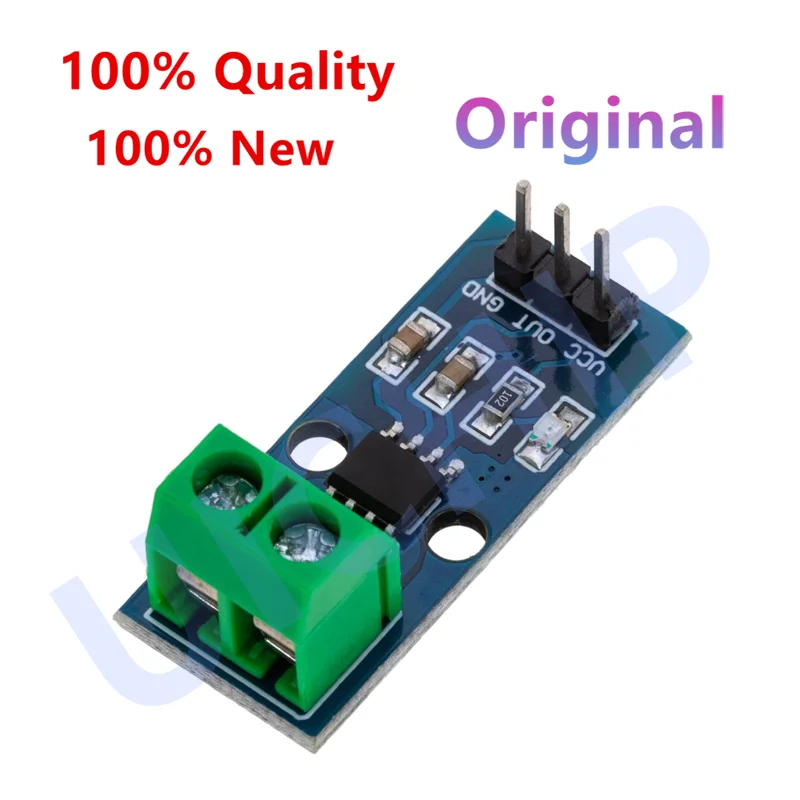
Learn how to use ACS770 50A, 100A, 150A, and 200A Hall Effect Current Sensors to measure AC and DC current. Measuring 1A, 5A, 10A, 20A, 30A, 40A, and 50A current is demonstrated. To use two or more sensors, please see This page. Topics covered in this video310-Resources for this sketch
言語: C++
++
/*
 *
 * Arduino Sketch for Allegro ACS770 Current Sensor
 * This sensor is offered at 50A, 100A, 150A, and 200A ranges,
 * both for AC and DC.

 * It operates with 5V.
 * Please watch the video instruction and explanation for this code.
  Watch video instruction for ACS770 50A to 200A Sensors: https://youtu.be/sB6EULTix2k
  Watch video instruction for ACS712 5A to 30A Sensors: https://youtu.be/3C33DpcSwIw

 *
 * Written by Ahmad Shamshiri on Saturday, April 04, 2020 at 21:19 in Ajax, Ontario, Canada
 * for Robojax.com
 * View the video:
 * This code has been downloaded from Robojax.com
 *
model select
      //ACS712
      0-"ACS712ELCTR-05B",
      1-"ACS712ELCTR-20A",
      2-"ACS712ELCTR-30A",

      //ACS758
      3,// for ACS758LCB-050B
      4,// for ACS758LCB-050U
      5,// for ACS758LCB-100B
      6,// for ACS758LCB-100U
      7,// for ACS758KCB-150B
      8,// for ACS758KCB-150U
      9,// for ACS758ECB-200B
      10,// for ACS758ECB-200U

      ///ACS770
      11,// for ACS770x-050B ///
      12,// for ACS770x-050U
      13,// for ACS770x-100B
      14,// for ACS770x-100U
      15,// for ACS770x-150B
      16,// for ACS770x-150U
      17,// for ACS770x-200B
      18,// for ACS770x-200U


      19 for "ACS732KLATR-20AB",
      20 for "ACS732KLATR-40AB",
      21 for "ACS732KLATR-65AB",
      22 for "ACS732KLATR-65AU",
      23 for "ACS732KLATR-75AB",

      24 for "ACS733KLATR-20AB",
      25 for "ACS733KLATR-40AB",
      26 for "ACS733KLATR-40AU",
      27 for "ACS733KLATR-65AU",

 * This code has been downloaded from https://robojax.com

 * Get this code and other Arduino codes from Robojax.com.
Learn Arduino step by step in a structured course with all material, wiring diagrams, and libraries
all in one place. Purchase my course on Udemy.com: http://robojax.com/L/?id=62

****************************
Get early access to my videos via Patreon and have your name mentioned at the end of every
video I publish on YouTube here: http://robojax.com/L/?id=63 (watch until the end of this video for a list of my Patrons)
****************************

or make a donation using PayPal: http://robojax.com/L/?id=64

 *  * This code is "AS IS" without warranty or liability. Free to be used as long as you keep this note intact.*
 * This code has been downloaded from Robojax.com.
    This program is free software: you can redistribute it and/or modify
    it under the terms of the GNU General Public License as published by
    the Free Software Foundation, either version 3 of the License, or
    (at your option) any later version.

    This program is distributed in the hope that it will be useful,
    but WITHOUT ANY WARRANTY; without even the implied warranty of
    MERCHANTABILITY or FITNESS FOR A PARTICULAR PURPOSE.  See the
    GNU General Public License for more details.

    You should have received a copy of the GNU General Public License
    along with this program.  If not, see <https://www.gnu.org/licenses/>.

 */
const int VIN = A0; // define the Arduino pin A0 as voltage input (V in)
const float VCC   = 5.04;// supply voltage
const int MODEL = 12;   // enter the model (see above list)
        //using ACS770x-050U
#include <Robojax_AllegroACS_Current_Sensor.h>

Robojax_AllegroACS_Current_Sensor robojax(MODEL,VIN);

void setup() {
    //Robojax.com Allegro ACS Current Sensor
    Serial.begin(9600);// initialize serial monitor
    Serial.println("Robojax Tutorial");
    Serial.println("ACS770 Current Sensor");

}

void loop() {
   //Robojax.com Allegro ACS Current Sensor

    Serial.print("Current: ");
    Serial.print(robojax.getCurrent(),3); // print the current with 3 decimal places
    Serial.print("A Avg:");
    Serial.print(robojax.getCurrentAverage(300),3);//
    Serial.println("A");
   //robojax.debug();

  delay(1500);
}
リソースと参考文献
ファイル📁
データシート(pdf)
-
アルレグロ ACS770X 電流センサ データシート
Allegro ACS770X Current Sensor Datasheet .pdf1.90 MB