Using LCD1602-I2C with D1 Mini, NodeMCU ESP8266, and Arduino
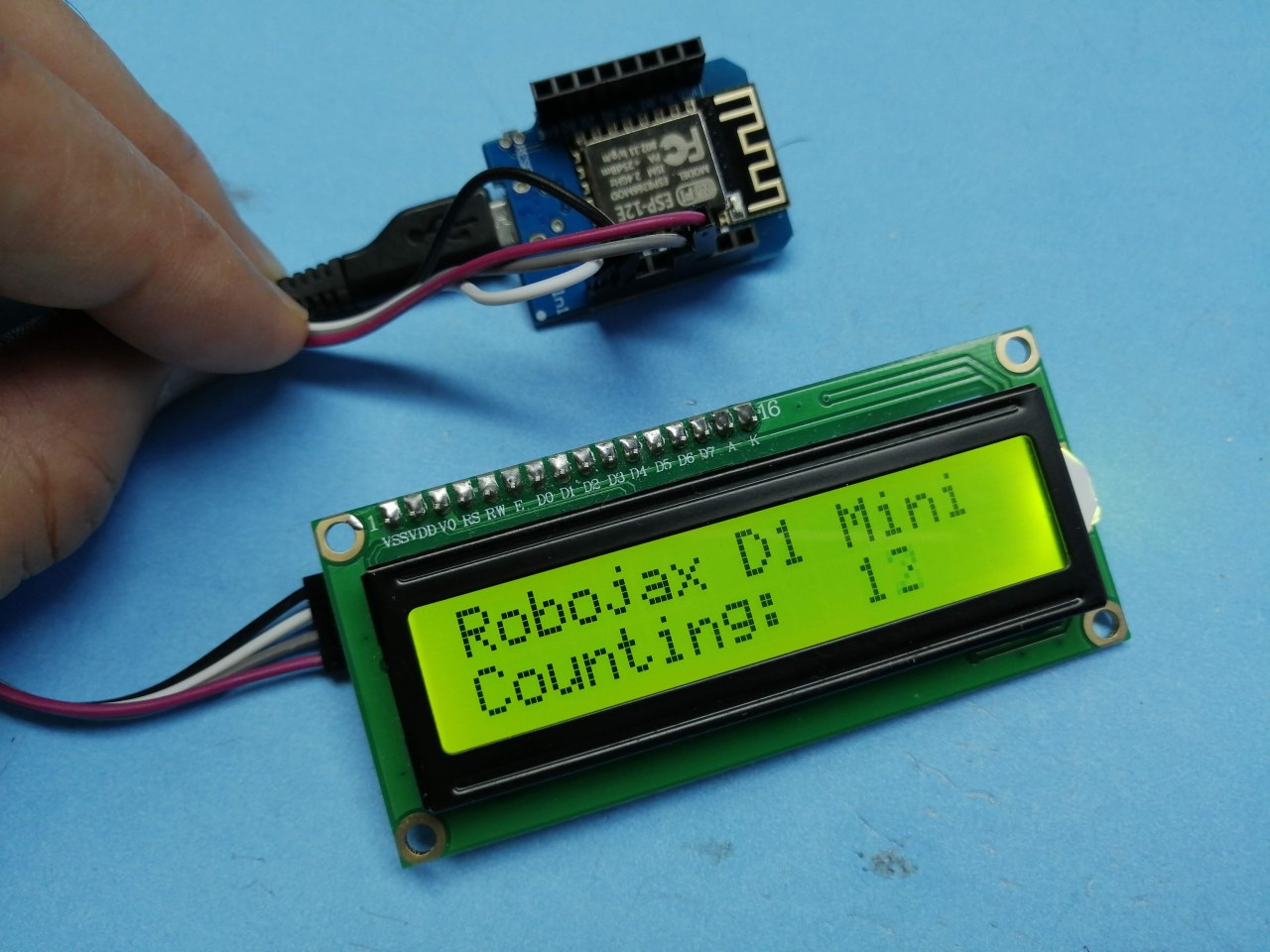
This code is for a video on how to use an LCD1602-I2C or LCD2004-I2C display with Arduino.
Imágenes
D1_mini_LCD1602-demo-2
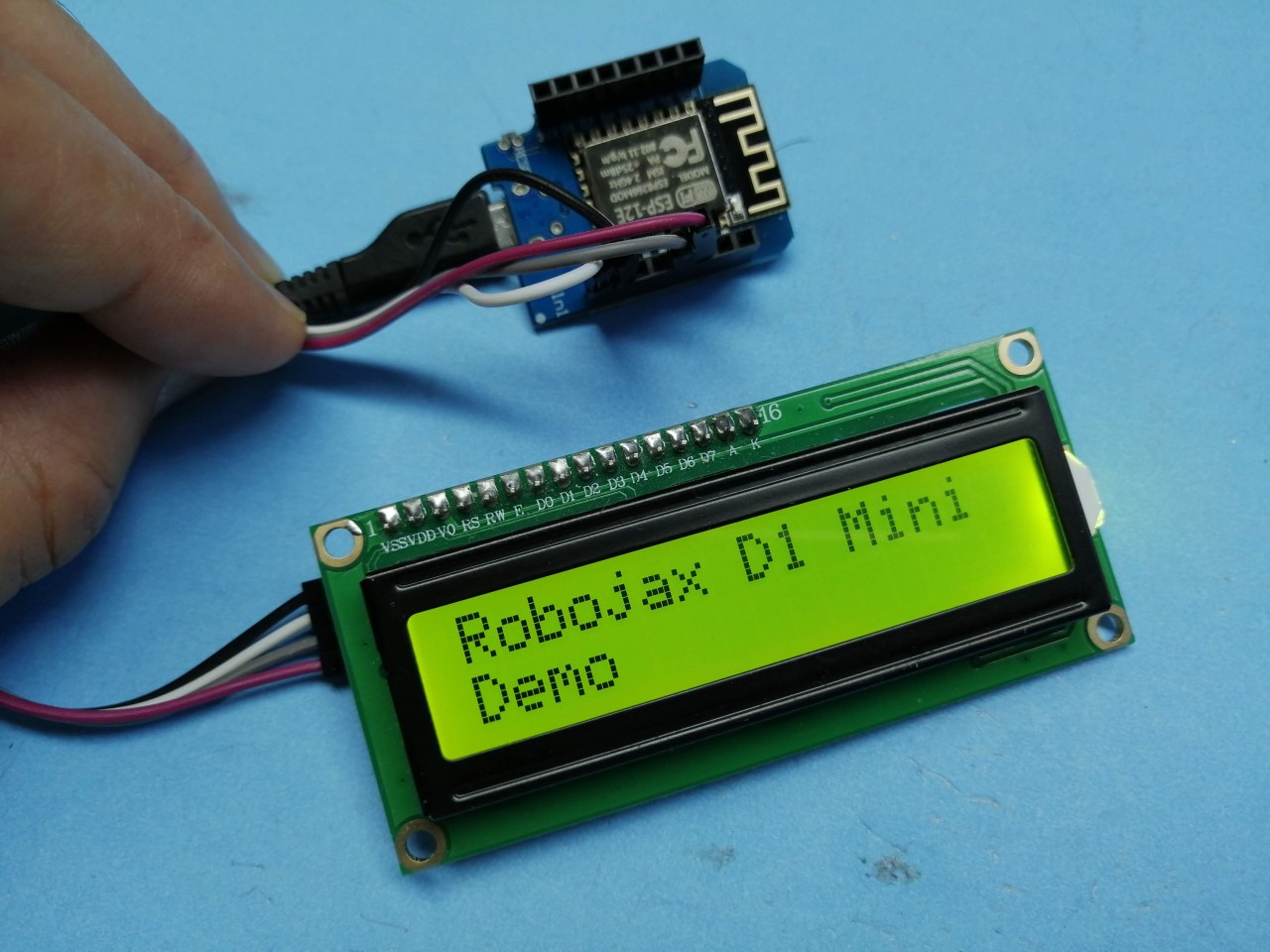
D1_mini_LCD1602-demo-1
227-Arduino code for D1 Mini with LCD1602-I2C or LCD2004-I2C
Idioma: C++
/*
 * Using LCD screen with a WeMos D1 Mini and Arduino
 * Written by Ahmad Shamshiri on August 1, 2019
 * at 17:42 in Ajax, Ontario, Canada
 * for Robojax.com
 * Watch video instructions for this code: https://youtu.be/mRAgS-CdURU
 *
Get this code and other Arduino codes from Robojax.com
If you found this tutorial helpful, please support me so I can continue creating
content like this.
or make a donation using PayPal http://robojax.com/L/?id=64

 */

// start of settings for LCD1602 with I2C
#include <LiquidCrystal_I2C.h>
// Set the LCD address to 0x27 for a 16 chars and 2 line display
LiquidCrystal_I2C lcd(0x3F, 16, 2);
// end of settings for LCD1602 with I2C

int count =0;
void setup() {
  lcd.begin();
  lcd.backlight();
  lcd.print("Robojax D1 Mini");
  lcd.setCursor(0,1);
  lcd.print("Demo");
  delay(2000);
}


void loop() {
 // Robojax D1 Mini LCD-1602-I2C
  lcd.clear();// clear previous values from screen
  lcd.print("Robojax D1 Mini");
  lcd.setCursor(0,1);
  lcd.print("Counting:");
  lcd.setCursor(11,1);
  lcd.print(count);
  count++;
  delay(200);
}
Recursos y referencias
Aún no hay recursos.
Archivos📁
No hay archivos disponibles.