Pro Micro ATmega32U4 Arduino Pins: 5V and 3.3V Explained
In this video, you will learn about the Pro Micro ATMEGA32U4 Arduino board and how to connect it to external power or USB. Digital and analog pins are explained; PWM is tested.
Pro Micro Driver. You should not need a driver, as the Arduino IDE has all the drivers for this board. It is located inside your Arduino folder: arduino-1.x.x\drivers, where x is your version of the Arduino IDE. But you may download the zip driver from the links below.
圖片
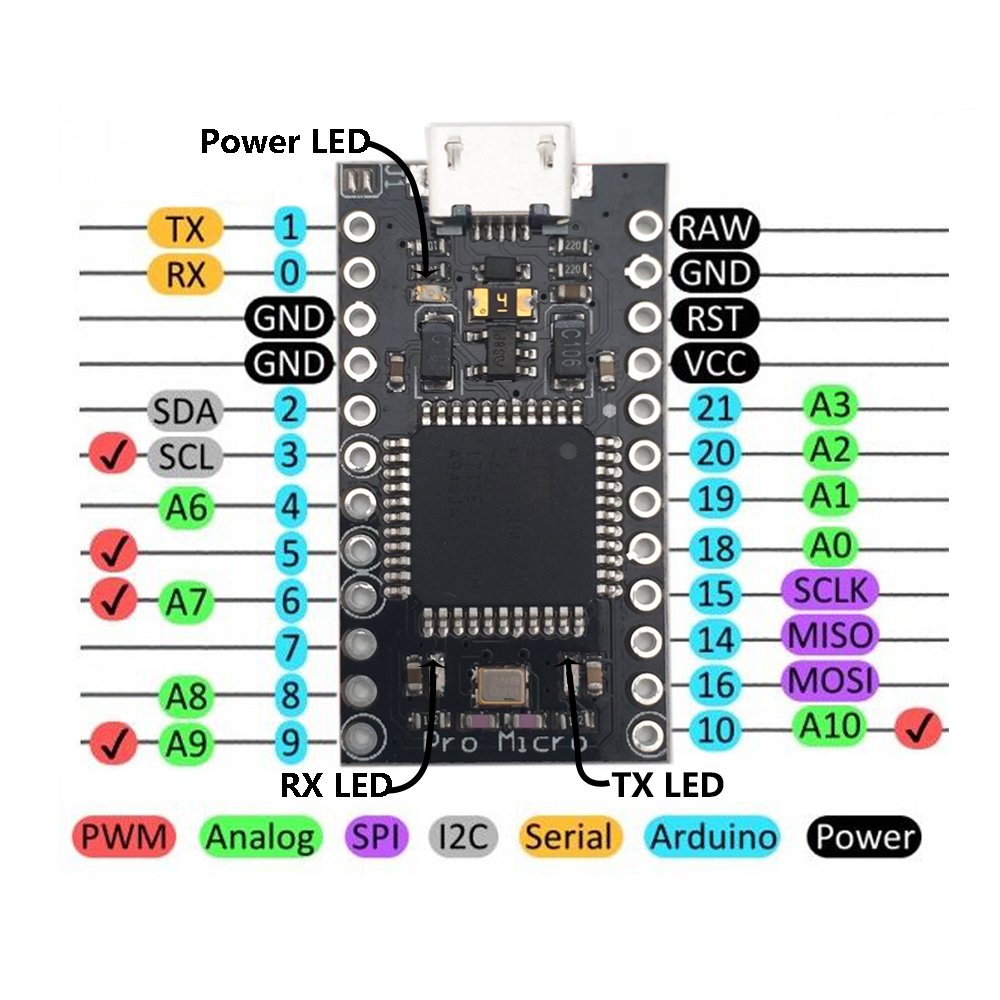
Pin Mapping for Pro Micro Board

Arduino Pro Micro: Pins explained

Arduino Pro Micro:Soldreing Pin headers

Arduino Pro Micro: Powering up from external source
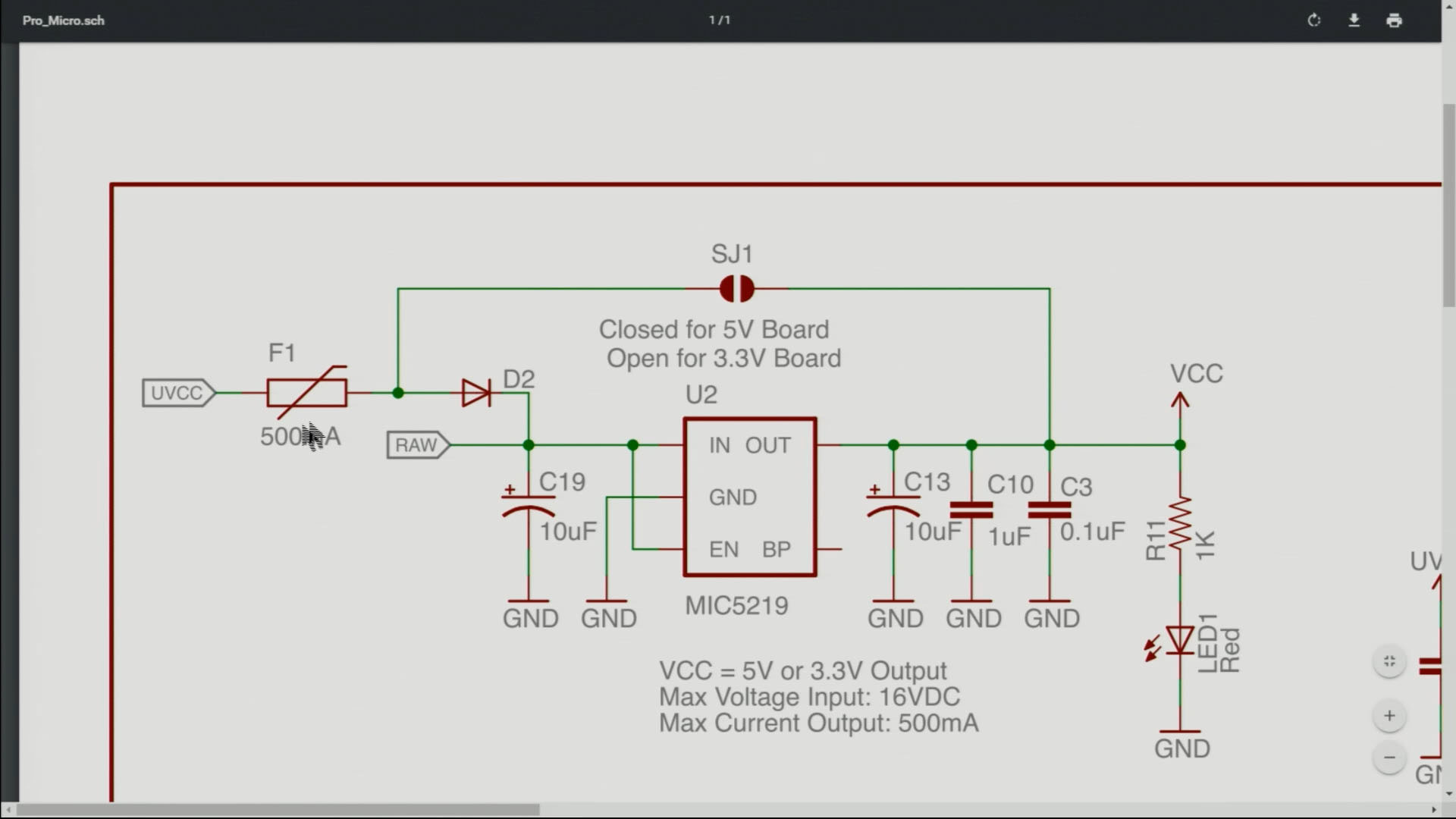
Arduino Pro Micro: J1 Connector explained
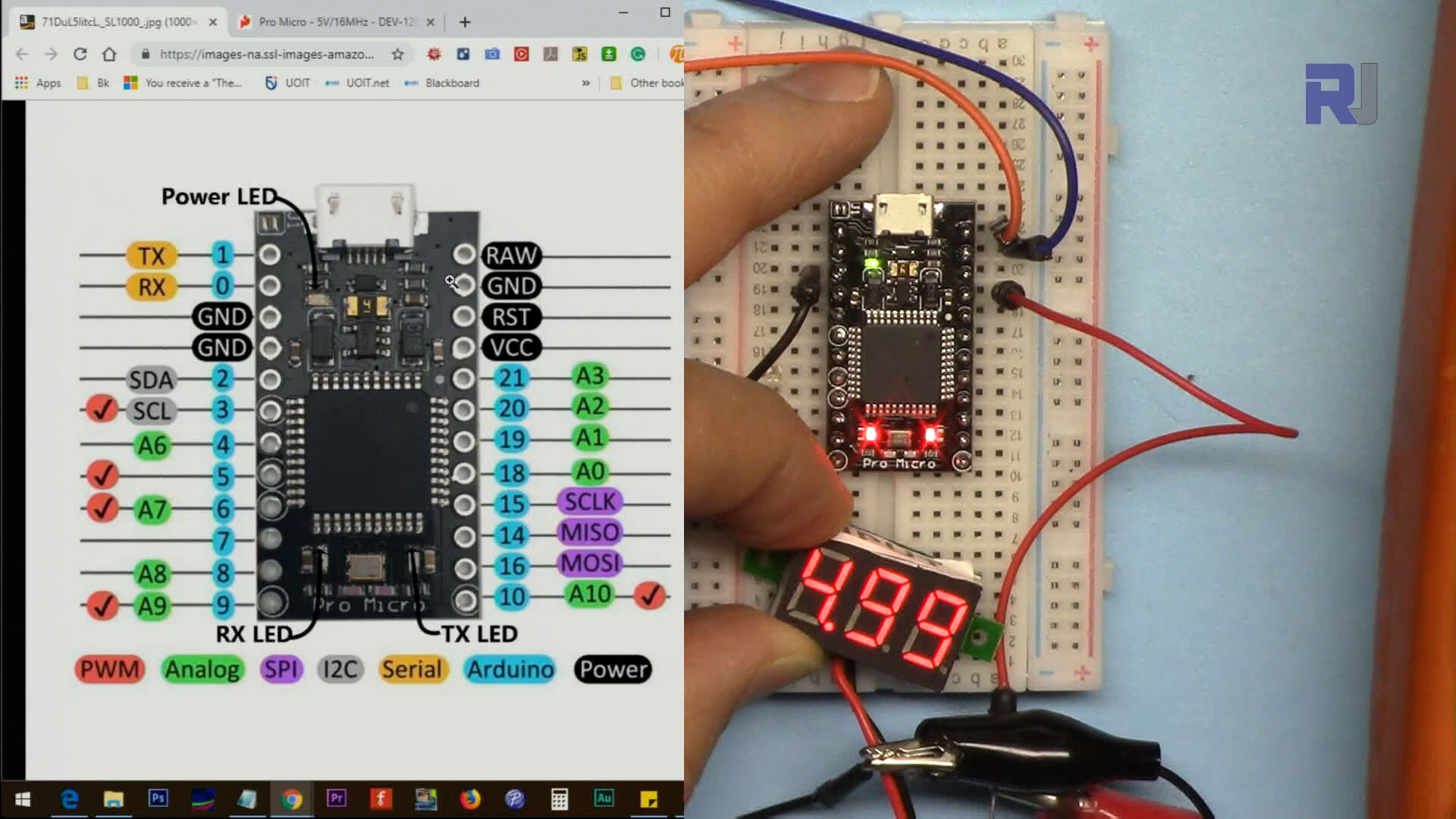
Arduino Pro Micro: Measuring VCC Pin voltage

Arduino Pro Micro: Connecting LED to pin for Blink program

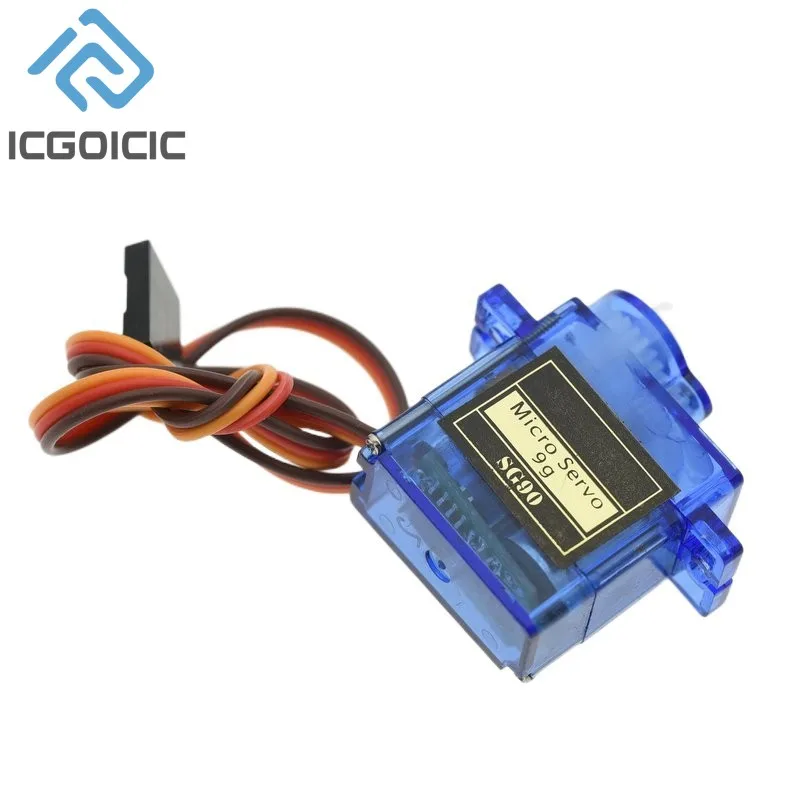
Arduino Pro Micro: Controlling Servo Motor
请提供需要翻译的文本。
資源與參考資料
-
外部Datasheet for ATmega32U4 MCU (PDF)cdn.sparkfun.com
-
外部Drivers for this chip (ZIP)github.com
-
外部Schematic for Pro Micro board (PDF)cdn.sparkfun.com
文件📁
冇文件可用。


![Arduino Micro with Headers [A000053] - ATmega32U4 Microcontroller, 16MHz, 20 Digital I/O Pins, 7 PWM Outputs, USB HID Support, Compact Design for Embedded Projects, Compatible with Arduino IDE](https://m.media-amazon.com/images/I/41CEC9Gnj1L._SL75_.jpg)