Digispark Serial Monitor
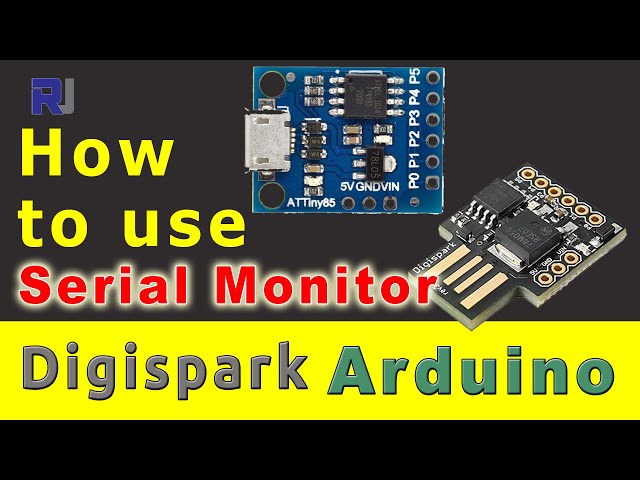
This video explains how to display debugging information the way the Serial Monitor is displayed using the Arduino IDE. Start Using Digispark (video)190-How to display debugging information on the Serial Monitor with a Digispark
Язык: C++
/*
 * This code has been modified from the main
 * provided library by Digispark for Arduino
 * Modified by Ahmad Shamshiri for Robojax.com
 * on Sunday, May 12, 2019 in Ajax, Ontario, Canada
 * www.Robojax.com
 Watch video instructions for this code: https://youtu.be/Wj7i1fQDeTk
 *
 */
#include <DigiKeyboard.h>
void setup() {

  // Robojax Serial monitor demo
  // for Digispark

  DigiKeyboard.delay(3000);
  DigiKeyboard.println("Robojax Test");
  DigiKeyboard.println("for Digispark");

}

void loop() {

}
Ресурсы и ссылки
Ресурсов пока нет.
Файлы📁
Нет доступных файлов.