Haz clic para ampliar la imagen
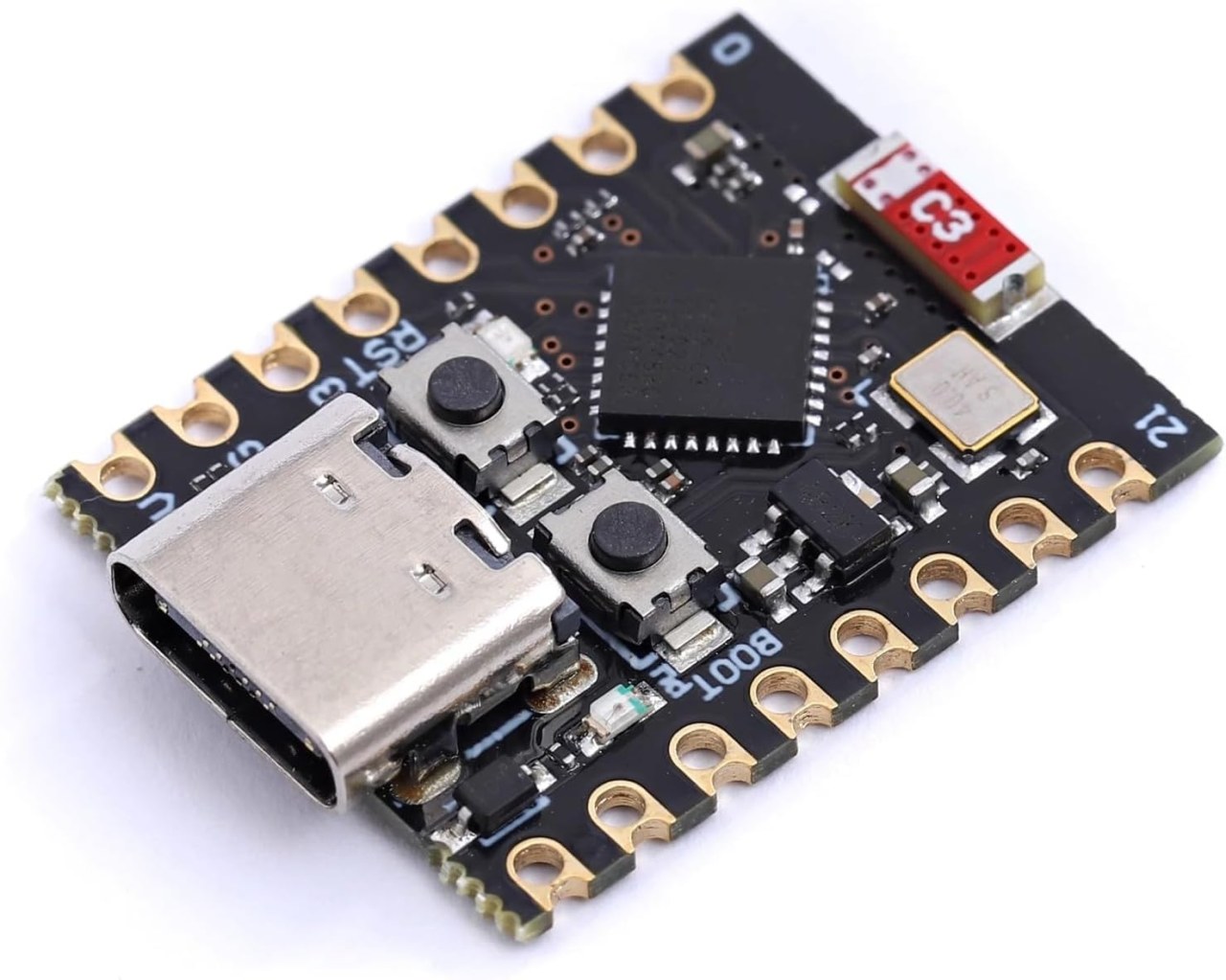
The ESP32 family has expanded into tiny, breadboard-friendly “Super Mini” boards. Two popular variants are the ESP32-C3 Super Mini and the ESP32-S3 Super Mini. Both are thumb‑sized, cost under $5, and are programmable via Arduino IDE. However, they target different applications. The C3 focuses on low‑power, simple connectivity tasks, while the S3 delivers high performance, more memory, and advanced AI features.
Programming both is identical in Arduino IDE: install the ESP32 board package, select the correct board (ESP32C3 Dev Module or ESP32S3 Dev Module), and upload via USB‑C. Neither requires an external programmer. The main difference lies in the core architecture, I/O capabilities, and wireless features.
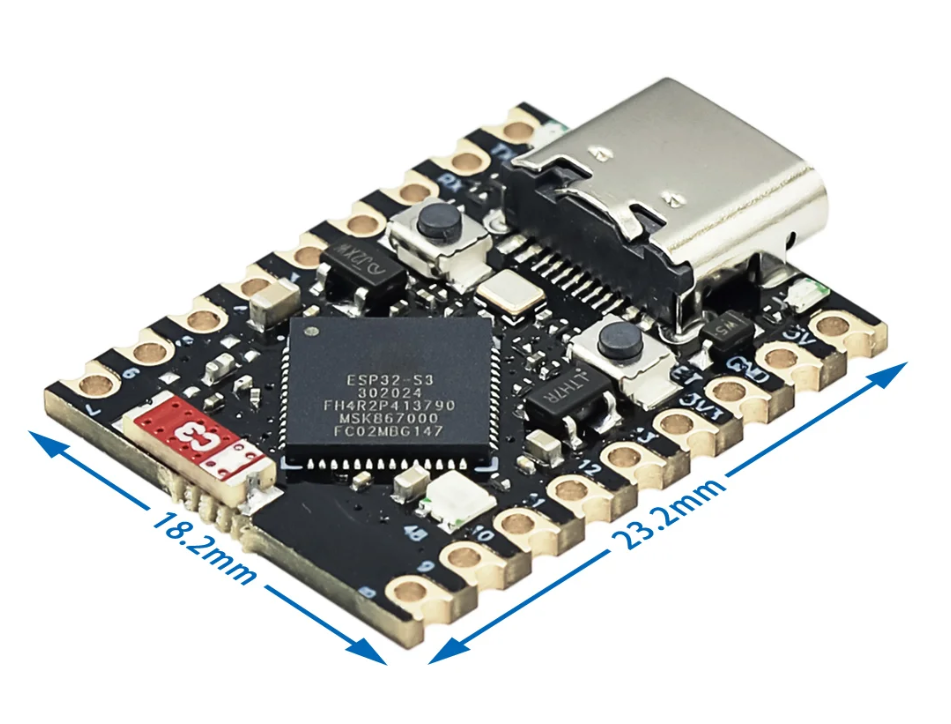
Comparison Table: ESP32-C3 Super Mini vs ESP32-S3 Super Mini
| Feature | ESP32-C3 Super Mini | ESP32-S3 Super Mini |
|---|---|---|
| CPU Core | Single-core RISC-V @ 160 MHz | Dual-core Xtensa LX7 @ 240 MHz |
| RAM | 400KB SRAM | 512KB SRAM |
| Flash | 4MB (onboard) | 8MB (onboard, often 16MB variants) |
| Wireless | Wi-Fi 4 (b/g/n) + Bluetooth 5 (LE only) | Wi-Fi 4 (b/g/n) + Bluetooth 5 (LE + Mesh) |
| USB | USB-C (serial/JTAG only, no native HID) | USB-C with native USB (keyboard/mouse) |
| GPIO Pins | 13 (GPIO 0-10, 20, 21) | 20+ (full breakout) |
| Analog Inputs | 4 × 12-bit ADC | 10 × 12-bit ADC |
| DAC (Digital-to-Analog) | ❌ None (no dedicated DAC pins) | ✅ 2 × 8-bit DAC (GPIO 17 & 18) |
| AI / Accelerators | None | Vector instructions for AI (face/voice) |
| Power Consumption | Low (~100mA active) | Higher (~150mA active) |
| Typical Price | $2 – $3 | $4 – $6 |
Which One Is Right for You?
- Lowest possible cost ($2)
- Battery-powered sensor nodes
- Simple Wi-Fi/BLE control (relays, LEDs)
- RISC-V architecture learning
- USB HID (emulate keyboard/mouse)
- Faster computing (dual-core 240MHz)
- More GPIOs and memory
- AI tasks (TensorFlow Lite Micro)
Example Applications
- ESP32-C3 Super Mini: Wireless door sensor (BLE + deep sleep), MQTT weather station, Bluetooth LED controller, simple robot car (PWM motors).
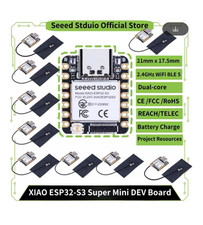
- ESP32-S3 Super Mini: USB game controller (emulate gamepad), voice-activated smart switch, AI face recognition lock, high‑speed data logger with native USB.
Pinout Overview
Both boards share a similar 20-pin form factor, but the S3 breaks out additional pins (e.g., GPIO 11-19). The C3 has fewer analog inputs and no native USB data lines on the header.
ESP32-C3 Super Mini (USB-C at top):
Front: 5V, GND, GPIO4, GPIO3, GPIO2, GPIO1, GPIO0, ...
Back:  GPIO5, GPIO6, GPIO7, GPIO8, GPIO9, GPIO10, GPIO20, GPIO21

ESP32-S3 Super Mini (USB-C at top):
Front: 5V, GND, GPIO1, GPIO2, GPIO3, GPIO4, GPIO5, ...
Back:  GPIO6-20 (full set), plus additional pins for native USB D+/D-
Programming Both in Arduino IDE (Same Steps)
- Add ESP32 board URL:
https://raw.githubusercontent.com/espressif/arduino-esp32/gh-pages/package_esp32_index.json - Install ESP32 platform via Boards Manager
- Select correct board: ESP32C3 Dev Module or ESP32S3 Dev Module
Where to Buy
Both boards are available on AliExpress, Amazon, links are blow this article.
Final takeaway: For basic IoT and robotics, the C3 is more than enough. If you need USB peripherals, AI, or extra GPIOs, spend the extra $2 on the S3.
Recursos y referencias
-
Externo
-
Externo
Archivos📁
Otros archivos
-
📎esp32-S3-supermini-tht fritzing part
esp32-S3-supermini-tht.fzpz0.02 MB -
📕ESP32 C3 Datasheet English
esp32-c3_datasheet_en[1].pdf0.86 MB -
📕English ESP32-S3 Datasheet
esp32-s3_datasheet_en[1].pdf1.05 MB