برای بزرگتر کردن تصویر کلیک کنید
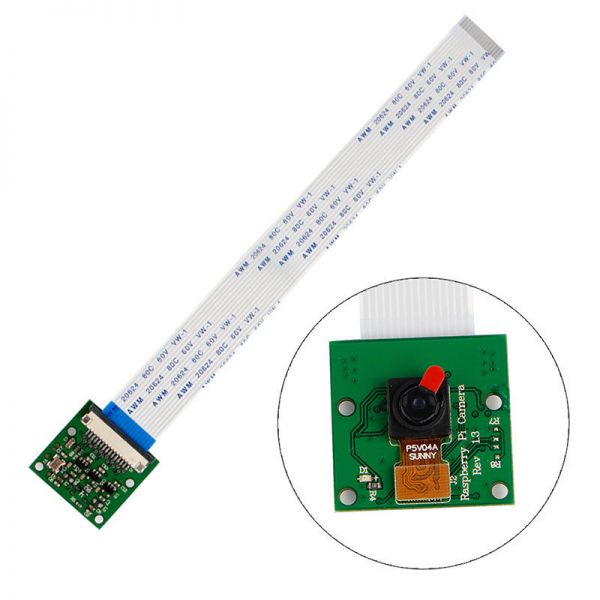
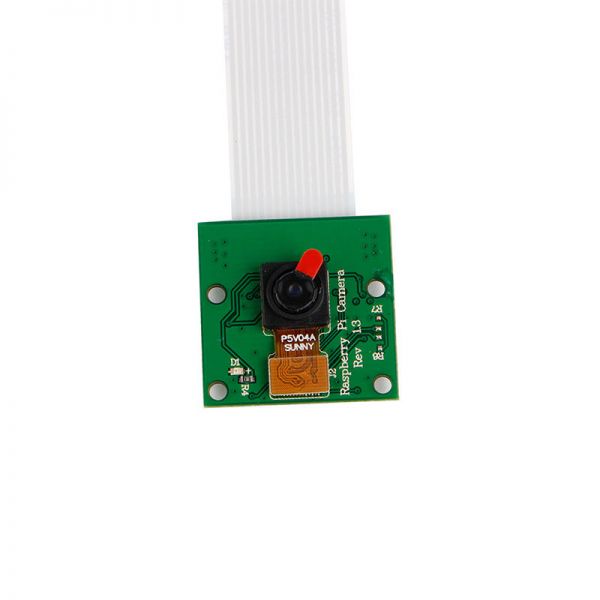
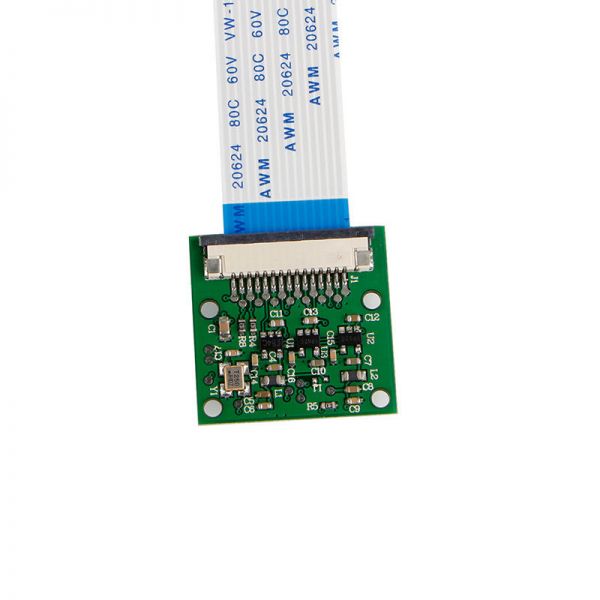
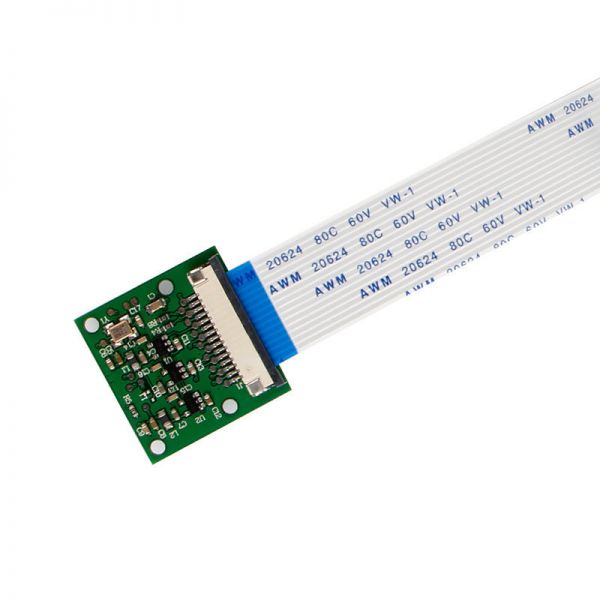
Raspberry Pi camera module supports both Model A and Model B+ versions of the Raspberry Pi. The light-sensitive chip used in the module is a quarter-inch OmniVision OV5647 chip. It can be connected directly with the Raspberry Pi's soft cable provided by the control board. It is equipped with a 5-megapixel image sensor, can record 30 frames per second (no Caton) 1080p Full HD video, or capture 2592x1944 resolution images. You can also use the Raspberry Pi installed in your small car for Wi-Fi wireless monitoring. You can also apply image recognition and image tracking—creativity and wonderful moments are at your fingertips! Come on!
Parameters: 5 million pixels
Resolution: 2952 × 1944
Camera parameters: CMOS size: 1/4 inch
Diagonal: 72 degrees
The best pixel sensor: 1080p
Support 1080P30, 720P60, 640 * 480P 60/90 video recording
Application: aerial photography, car real-time camera, indoor and outdoor monitoring, camera, video...
Hardware connection:
1. A soft cable, with a 90-degree vertical connector, is located next to the HDMI port. When connecting, ensure the contact side faces the HDMI interface.
Before connecting:
2. Tear the protective film off the lens.
3. Handle the bare board carefully to avoid ESD damage; beware of static electricity!
Software:
1. Ensure RPi firmware and raspi-config are updated for the camera. Run `apt-get update; apt-get upgrade;`
2. In raspi-config, select the camera, enable the RPi firmware camera driver, and then restart.
3. Use the command-line programs `raspivid` and `raspistill` to operate the camera to capture video clips or images.
4. To play captured video clips, use `mplayer`.
منابع و مراجع
هنوز هیچ منبعی موجود نیست.
فایلها📁
هیچ فایلی موجود نیست.