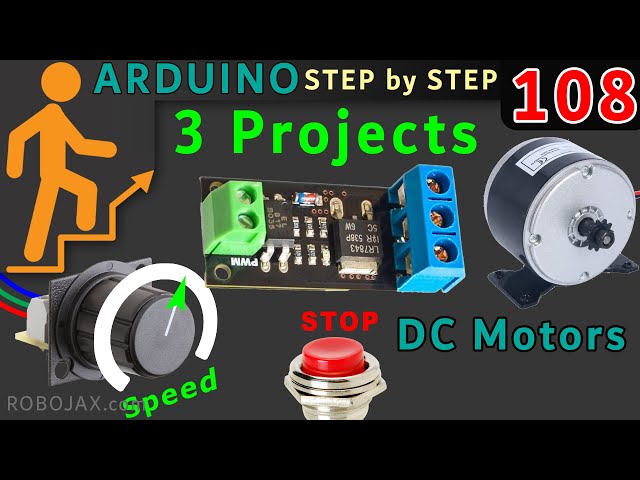
How to use Mosfet Optocoupled HW-532 to control up to 30V DC Motor Speed or load using Arduino
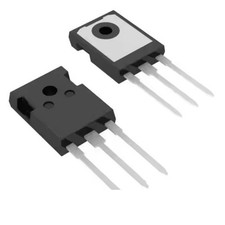
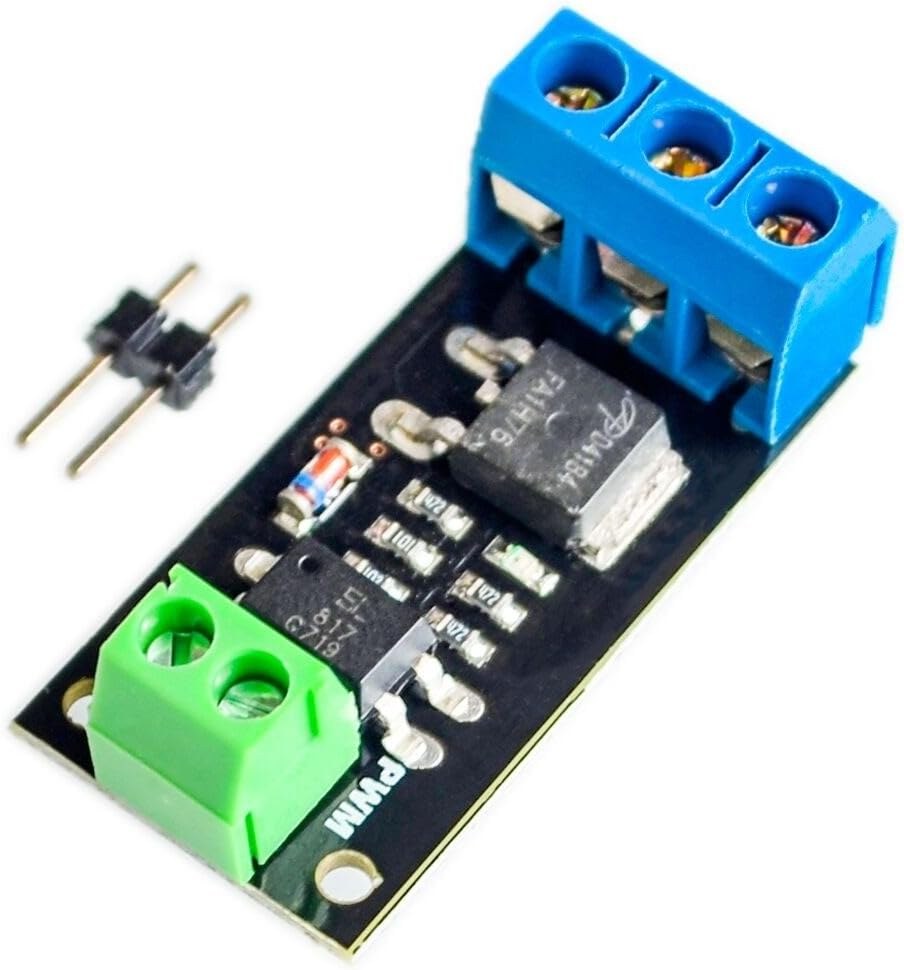
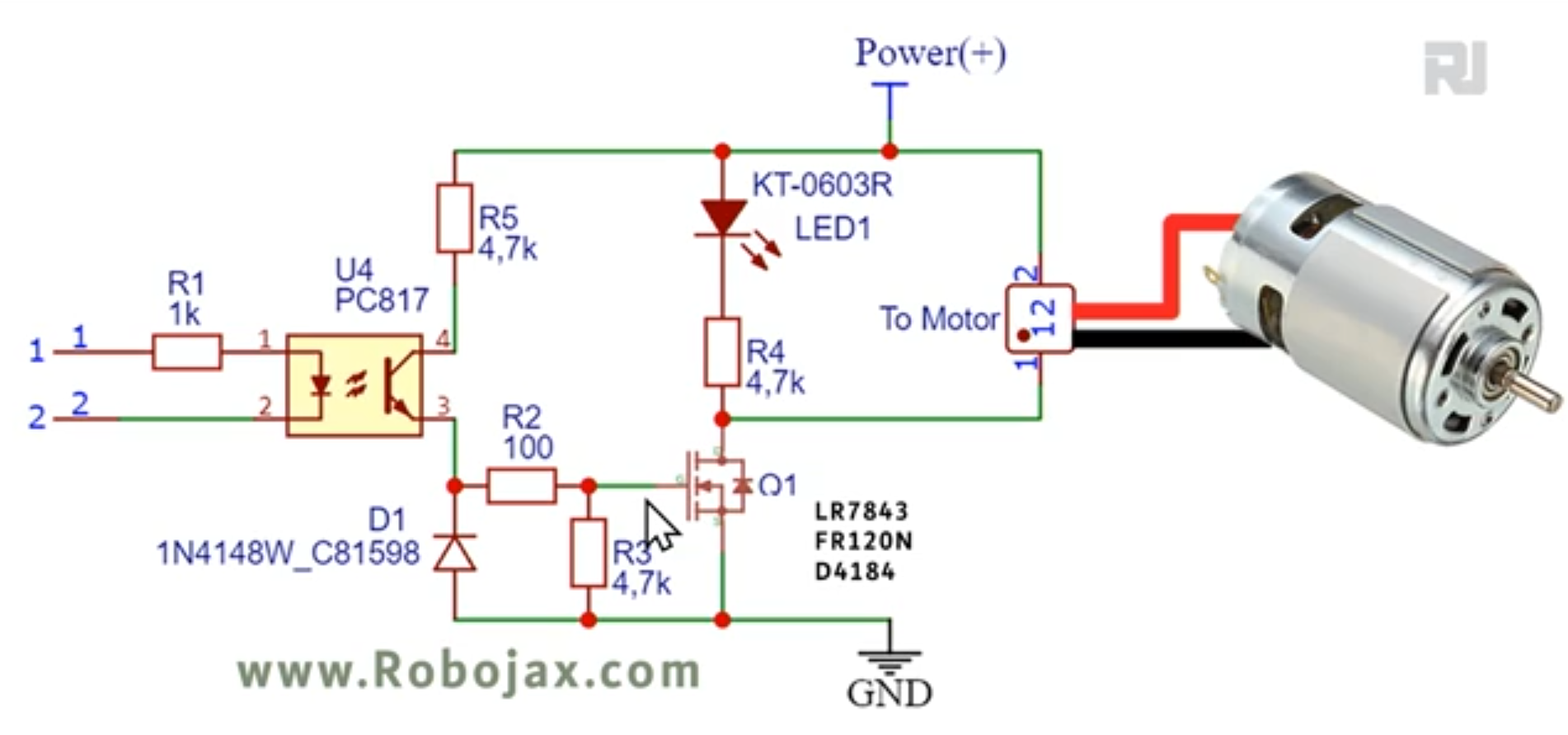
This project guide demonstrates how to build a versatile DC motor speed controller using an Arduino and the HW-532 optocoupled MOSFET module. The mosfet may be FR120N , LR7843 or D4184. This allows you to control the speed and on/off state of a DC motor with voltages up to 30V. The HW-532 module offers protection and isolation, making it safer and more reliable than directly connecting the motor to the Arduino.
This project is valuable for various applications. Here are a few examples:
- Precisely controlling the speed of a robotic arm
- Building a variable-speed fan for cooling systems
- Creating automated machinery with adjustable movement
- Developing a motorized valve control for fluid systems
Hardware/Components
The core components are the Arduino, the HW-532 optocoupled MOSFET module (with MOSFET options like D4184, LR7843, or FR120N), a DC motor (voltage rating ≤ 30V), connecting wires, and optionally, a potentiometer and push-button switch for advanced control (in video at 19:34).
The choice of MOSFET within the HW-532 module depends on your current requirements (in video at 01:24). The video provides a detailed comparison of the different MOSFETs (in video at 06:50) and their suitability for various applications (in video at 09:45). Remember to include a diode for inductive loads like DC motors to protect the module (in video at 06:00 and 22:02).
Wiring Guide
The basic wiring connects the motor's positive terminal to the HW-532's output, the motor's negative terminal to the HW-532's ground, and the HW-532's control pin to an Arduino digital pin (in video at 11:16).

Code Explanation
The provided code offers three levels of control:
- On/Off Control: This simple code (in video at 15:05) uses a digital pin to switch the motor on and off. The user-configurable part is the
MOTOR_OUT_PINconstant, which defines which Arduino pin controls the HW-532 module. - PWM Speed Control: This code (in video at 15:39) uses Pulse Width Modulation (PWM) to control the motor's speed. The user can adjust
SPEED_MAXandSPEED_MINto set the upper and lower limits of the speed control, and themotorControl()andstopMotor()functions are used to control the motor and stop it, respectively. - Potentiometer and Push-Button Control: This code (in video at 22:12) allows controlling the motor speed with a potentiometer and starting/stopping it with a push button. User-configurable parts include
POT_PIN(potentiometer pin),MOTOR_OUT_PIN(PWM control pin),START_STOP_PIN(push button pin),SPEED_MAX, andSPEED_MIN.
Live Project/Demonstration
The video demonstrates the operation of all three code examples. The on/off control is shown (in video at 11:41), followed by PWM speed control (in video at 16:53), and finally, the potentiometer and push-button control (in video at 23:02).
Chapters
- [00:00] Introduction and Project Overview
- [01:24] HW-532 Module and MOSFET Options
- [03:23] Circuit Schematic and Explanation
- [05:11] Component Details
- [06:50] MOSFET Datasheet Analysis
- [11:16] Basic Wiring and On/Off Demonstration
- [15:05] Arduino Code for On/Off Control
- [15:39] Arduino Code for PWM Speed Control
- [19:34] Wiring with Potentiometer and Push Button
- [22:12] Arduino Code with Potentiometer and Push Button
Images


This code has not been parsed yet. Please return to the admin panel to parse it.This code has not been parsed yet. Please return to the admin panel to parse it.This code has not been parsed yet. Please return to the admin panel to parse it.Things you might need
-
AmazonPurchase HW-532 from Amazonamzn.to
-
eBay
-
AliExpressPurchase FR120N Motor Driver from AliExpresss.click.aliexpress.com
Resources & references
No resources yet.
Files📁
Datasheet (pdf)
-
infineon-IRLR7843 LR7843 MOSFET datasheet
infineon-irlr7843-datasheet-en.pdf0.37 MB
Fritzing File
-
HW-532B Mosfot Module
HW-532B.fzpz0.01 MB
Other files
-
infineon-irfr120n-datasheet-en
infineon-irfr120n-datasheet-en.pdf0.39 MB -
alpha-and-Omega-AOD4184A_datasheet
alpha-and-Omega-AOD4184A_datasheet.pdf0.43 MB